B03M W0RK
The environment for freelancers and small businesses. Messages with only the real questions, and a knowledge base that already knows the answer. The new way of working side by side and working together.

Voor kletskousen: Bel met de B03M-babbel-B0X!
010-8700808The environment for freelancers
W0RK is for anyone with their own business, alone or with a few people. Every day you get the same questions, in three different channels, and the answer is somewhere in your head. W0RK puts those questions in one place, and that answer in a card.
The answer
lives in a card
What you explain once, you put in a card. That is where B03M writes its drafts from, and nowhere else.
A fixed number, your text, tags and files, and the cards it refers to. Every version is kept.
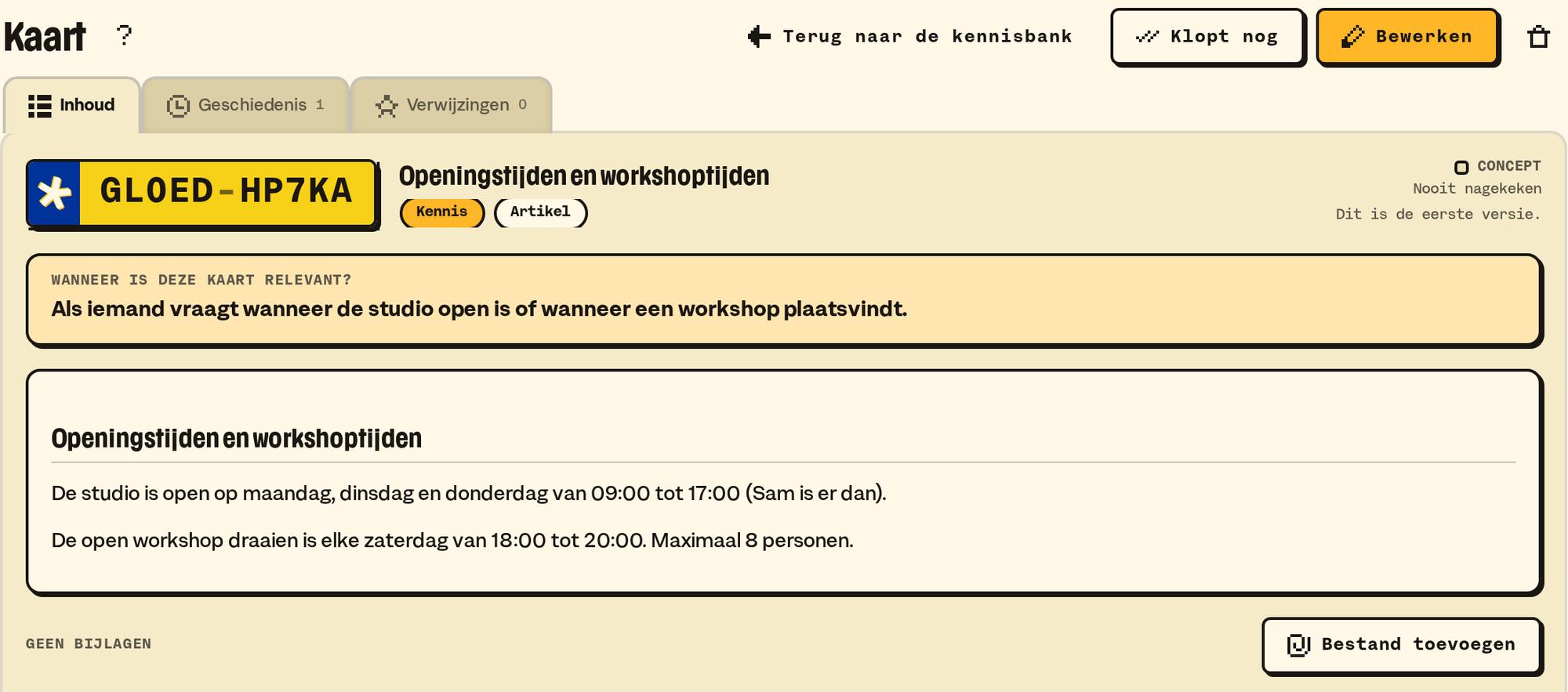
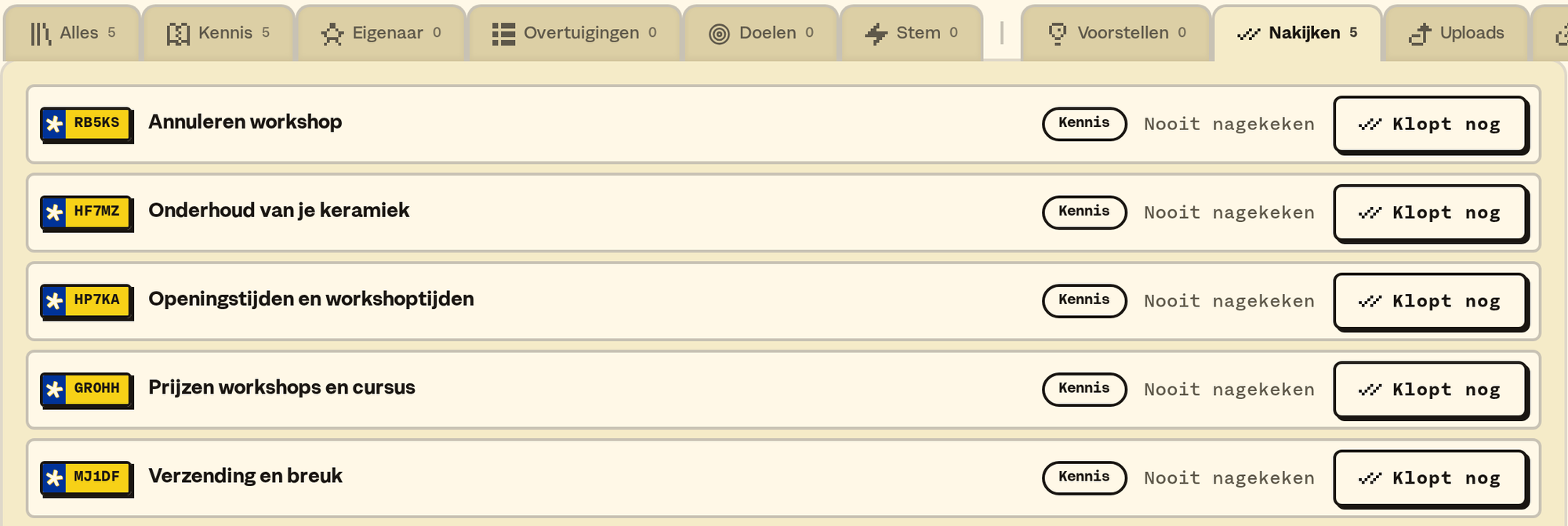
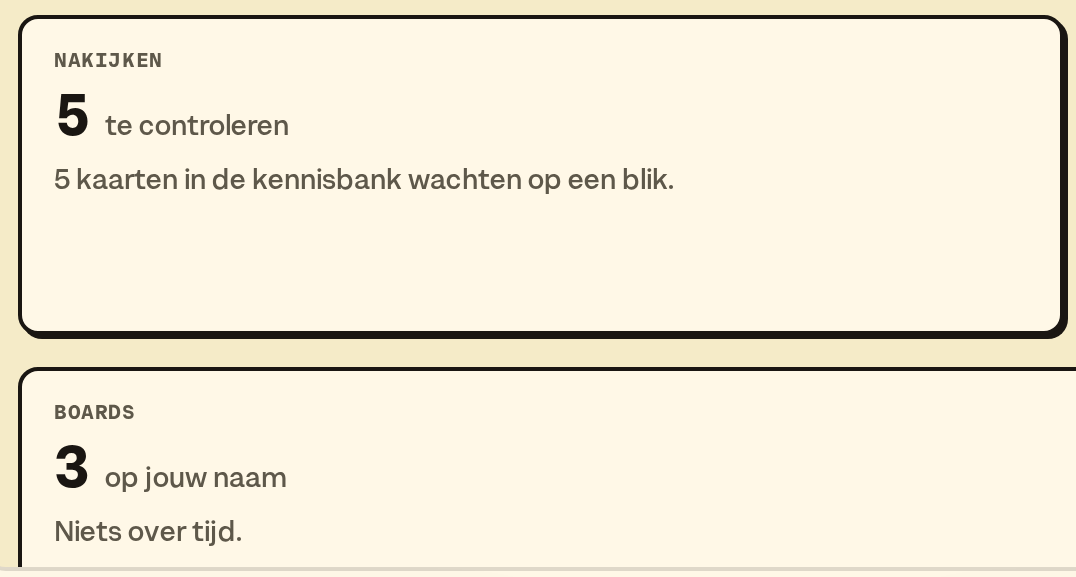
Cards that are still drafts, were never reviewed or haven't been looked at for too long, wait under Review. Still right? Press Still right.
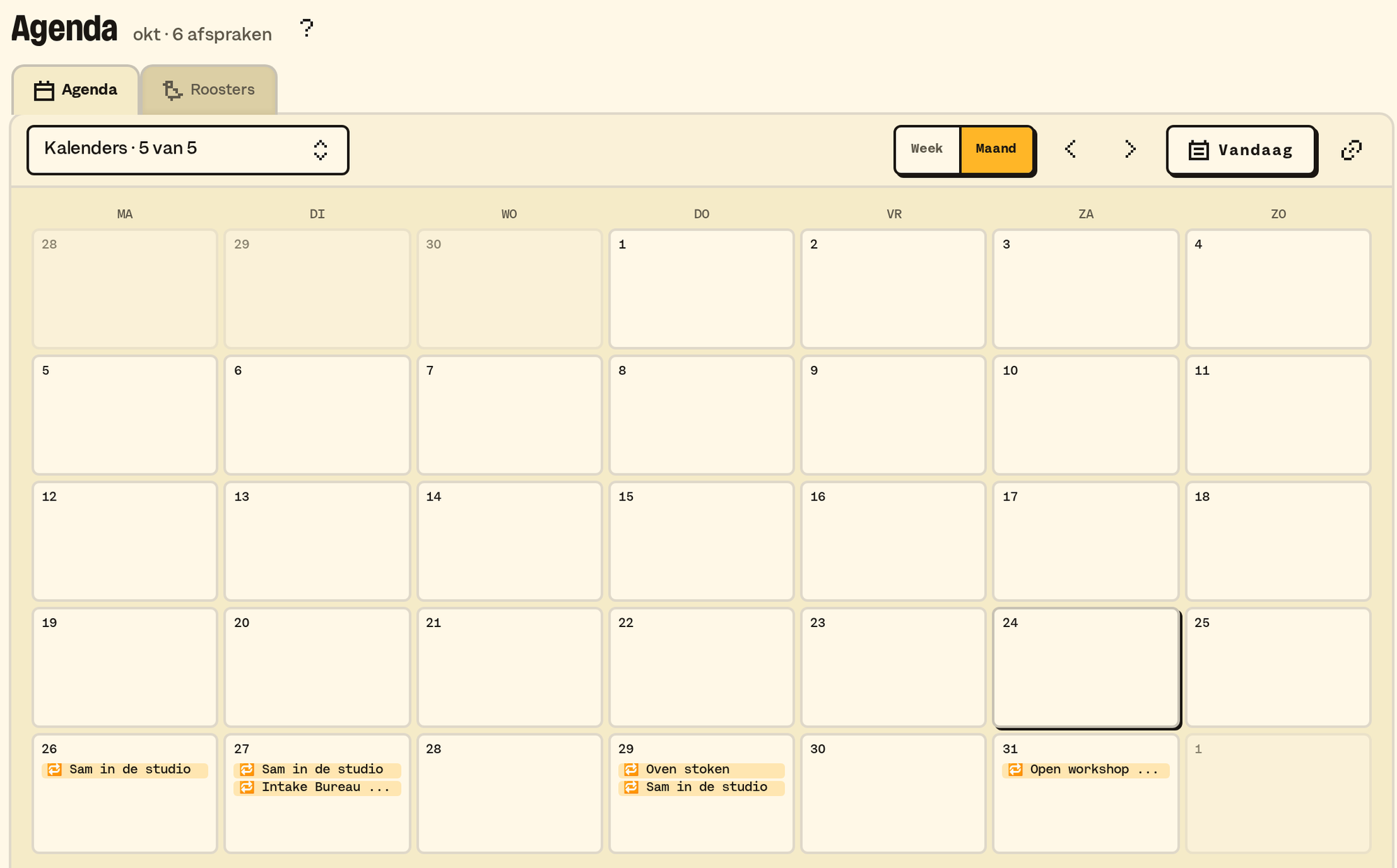
Moments, birthdays, cards with a date, holidays and schedules. By week or month, and you pick which layers are on.
An ordinary Monday
You sell ceramics through your own web shop, and you have a blog with comments.
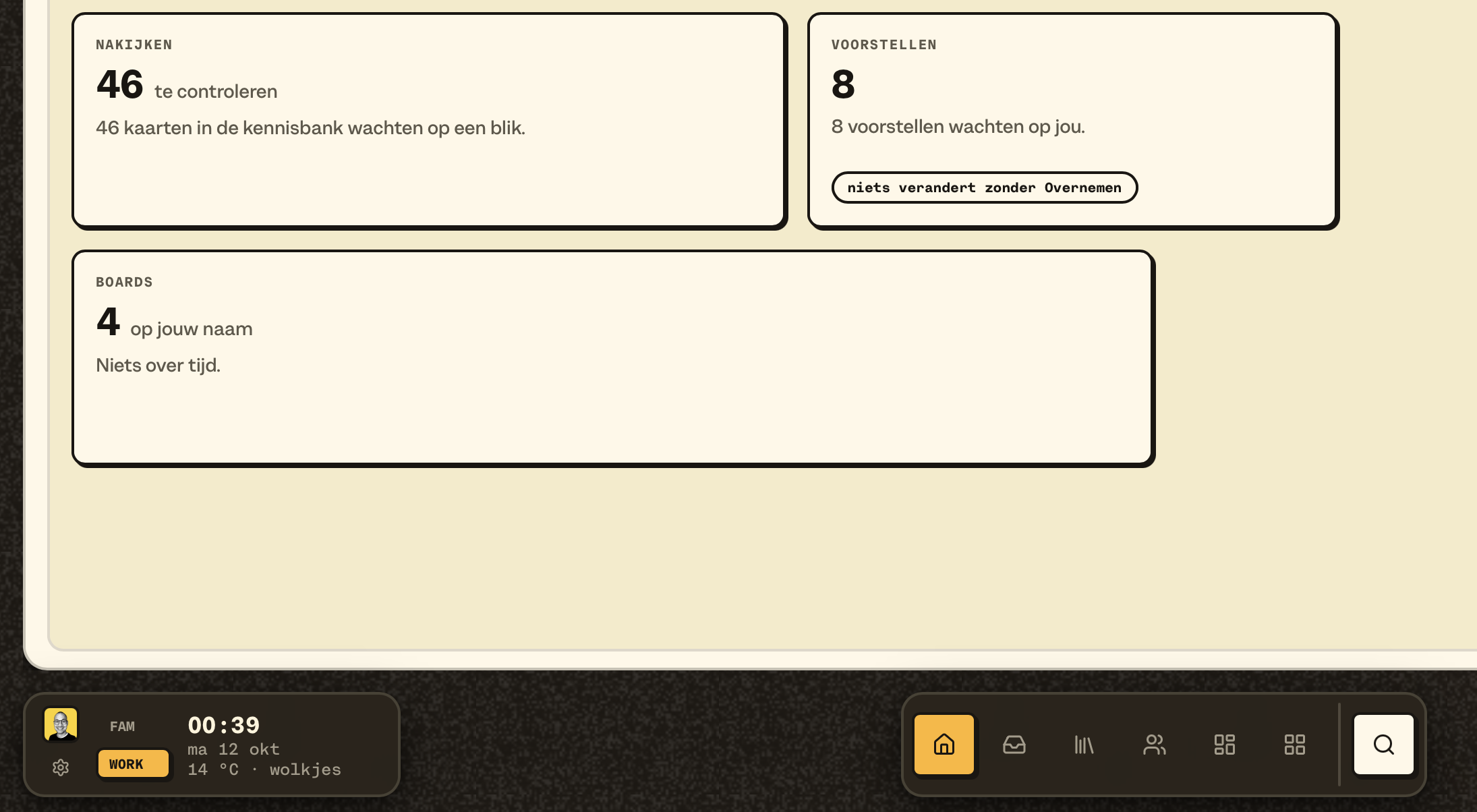
08:30. The daily mail tells you how much is waiting: eleven in Messages, four in Rapid Reply, two suggestions for your knowledge base. Only counts, no names.
08:35. Messages has already sorted your mail, the comments on your blog and your orders. Newsletters and shipping confirmations are in Transactional, the spam in Spam. Open holds what's really waiting for an answer. B03M looks along in your mailbox, but marks nothing as read and moves nothing.
08:40. Three people ask how long delivery takes. You have a card about that in your knowledge base, so they're in Rapid Reply. You ask for a draft for the next five. Every draft names the cards it's based on, so you can check it instead of having to believe it. You read, tweak one sentence, press Approve, and then Send. The answer goes out through your own mail server, with a copy in your Sent folder.
08:50. The fourth question is about a glaze colour that isn't anywhere in your knowledge base. Then there's no draft. No guess that sounds convincing: you write this one yourself, and afterwards you put it in a card.
10:00. A regular client mails. On her client card you see her orders from your web shop, her earlier mails, and which company she belongs to.
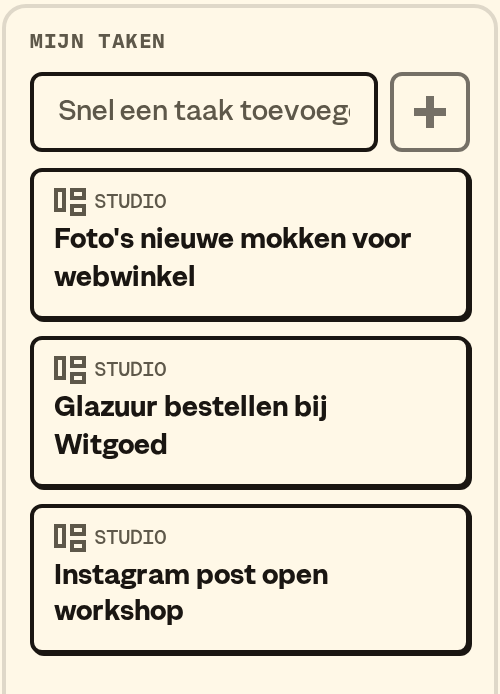
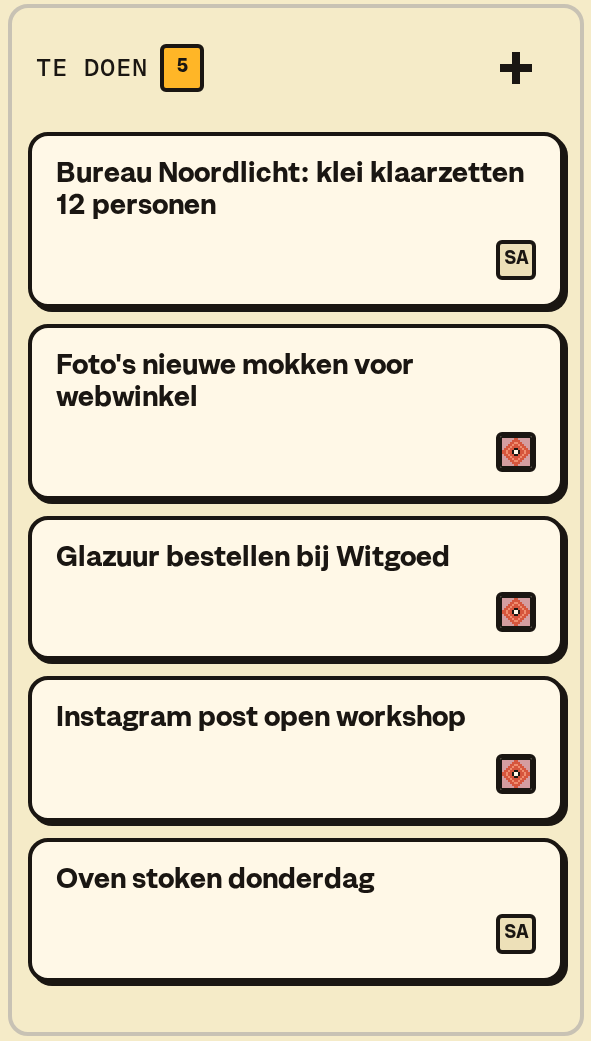
14:00. On the board you move the new collection from "doing" to "done". Under My tasks you see what has your name on it, across all boards.
16:00. You notice you've polished the same thing three times in drafts about returns. B03M notices too, and suggests updating the card. A suggestion, not a change: nothing changes until you accept it.
Why not just ChatGPT?
You could paste a client question into ChatGPT too. Then you get an answer that sounds good, but doesn't know your delivery time or how you handle returns. W0RK only writes a draft when your knowledge base covers it, and names the cards it's based on. If it isn't in there, there's no draft. Better nothing than something made up.
The brain of your business
W0RK is the brain of your business, and your team shares it. You connect your mail, your website and your web shop, and everything you know is in your knowledge base. So you have one place where you work smart with your own data.
Already using ChatGPT or Claude? Then you plug W0RK into it through SM1TH. That works with MCP: an open standard that lets an AI tool safely reach another service, like a plug that fits every socket. Your tool can then search your knowledge base and suggest new knowledge.
Switching AI tools yourself?
Yes, you can, and you lose nothing. Move to another AI tool, or your assistant does, and you take everything with you. Your knowledge and your history live in W0RK, not in that tool, so you simply plug W0RK into the new one. And you're not stuck with us either: as the owner you request an export of your data, and take what you built to somewhere else.
Time back, a worked example
Say: the same five questions every day, and 3 minutes per answer. That's a quarter of an hour a day. With about 22 working days that's 330 minutes: about 5 to 6 hours a month. Charge €75 an hour, and that's 5.5 hours x €75 = well over €400 a month. W0RK costs €150 a month. If a draft from your knowledge base takes over most of that typing, W0RK has paid for itself.
A worked example, not a promise. How much time you get back depends on your questions and on what's in your knowledge base.
What's inside
- Messages: mail, comments and orders, in six tabs. Open, Rapid Reply, Parked, Done, Transactional and Spam. With an owner per message and a reason when you park something.
- B03MB0X: everything from outside in one place, with a suggestion where it should go. You approve.
- Rapid Reply: drafts, only from your own knowledge. First Approve, then Send: two buttons, you twice.
- The knowledge base: the brain of your business. Cards with a fixed number, links to each other, B03M keeps every version, and you search by meaning, even when your client uses different words.
- Your voice: cards that decide how you sound, short or elaborate, formal or casual, and what you never write.
- Clients: people and companies, from your mail, your web shop and your newsletter.
- Boards: columns you decide yourself, cards, labels, and one board that's yours alone.
- Integrations: email (Gmail, iCloud or your own server), WordPress (comments), WooCommerce (orders) and MailBlue (signups).
- The daily mail: one mail a day, at a time you pick.
- SM1TH: connect your own AI assistant, like Claude Desktop or Claude Code. It reads your knowledge base and your boards; new knowledge comes in as a suggestion, never as a change.
With your team
Invite people with a role: owner, admin, colleague or guest. Per section you set who can read or write. A colleague can make, approve and send drafts in Messages. A guest reads, and does nothing else. How to get started.
What W0RK doesn't do
- Send nothing without you. No automatic replies, not after an hour, not in bulk.
- Make up an answer when your knowledge base says nothing about it.
- Integrations with channels other than the ones above. The MailBlue integration is still in development.
You don't need a family for it. Got one anyway? Work and home in one place, but never mixed up. You switch with one key, and W0RK sees nothing of FAM.
What it costs
€150 a month, or €1,500 a year (two months free). VAT excluded. The first 30 days are free, from the moment you open your invite link. FAM comes with it. All prices.
W0RK opens step by step. Join the waitlist at the bottom: we invite businesses in small groups, and David sets up W0RK together with you.
W0RK in your line of work
Or read how W0RK compares to Gmail, Notion and Trello.
Op de wachtlijst voor W0RK
We nodigen bedrijven in kleine groepjes uit, en zetten W0RK samen met je op.
Laatst bijgewerkt op 3 november 2026.