B03MB0X
Mail, files, photos and links come in at B03MB0X. B03M suggests where it goes, you pick.
Voor kletskousen: Bel met de B03M-babbel-B0X!
010-8700808Everything from outside, in one place
B03MB0X is the way in for everything from outside. A mail to your B03MB0X address, a file you drag in, a photo from your phone, a link. It all comes in at the same place. Paste a link or a bit of text into the field at the top.
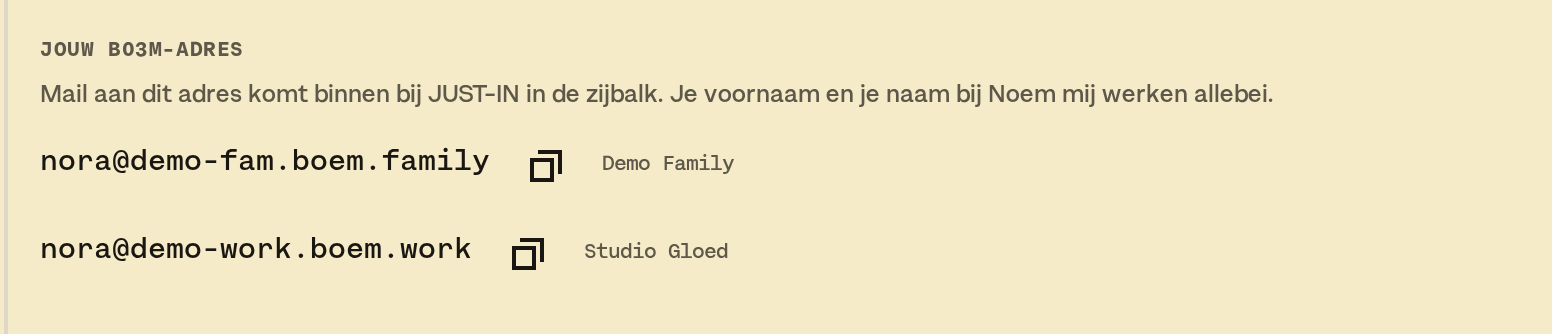
Your B03MB0X address
- Every grown up has their own B03MB0X address, per environment: one for FAM and one for W0RK.
- You pick the bit between the @ and .boem.family or .boem.work yourself, when you start: maaike@<family>.boem.family and david@<company>.boem.work.
- If Maaike picks jansen, her address is maaike@jansen.boem.family. If David picks studio, his is david@studio.boem.work.
- You find your address at the top of the B03MB0X panel in the sidebar. Click it to copy it. All your addresses are also in Settings · B03MB0X, above your phones, in FAM and in W0RK.
- Got a nickname under Call me? That works as an address too, in the same environment.
- Kids don't have an address.
On the screen
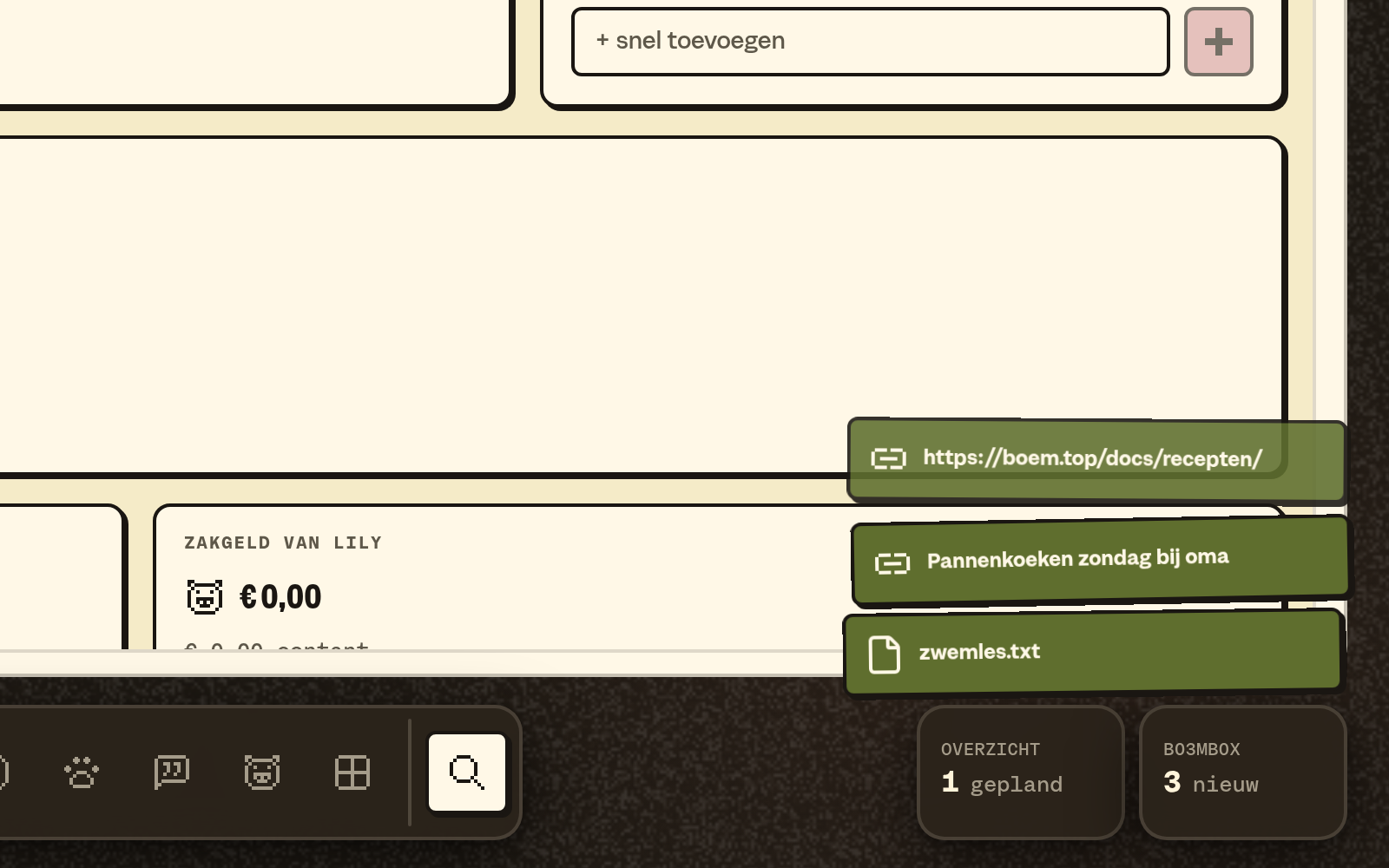
On a computer the B03MB0X card sits bottom right, with how much is new. Hover over it, and green bars fan out: one per new item, five at most. An icon says whether it's a mail, a file or a link. Click a bar and B03MB0X opens in the side column.
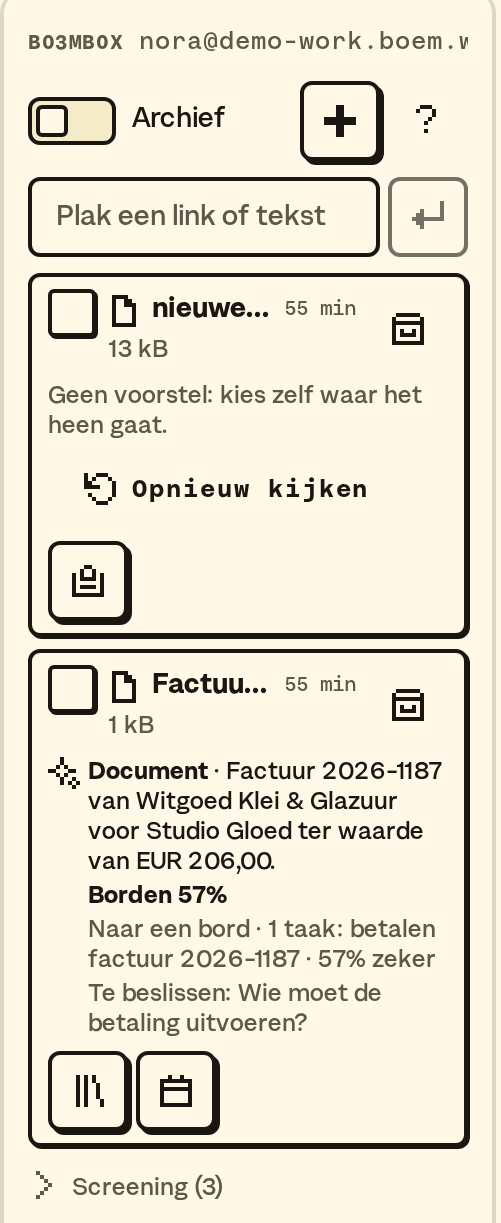
On your phone B03MB0X is an icon at the top, next to My overview.
Your notifications are at the bottom of My overview. Fold them into one line ("Notifications · 3 new") when you don't need them for a bit. It stays that way on that device.
What B03M suggests
For everything that comes in, B03M looks at what it is and suggests a place:
- A schedule goes to Planning.
- A recipe from a pdf, a photo of a cookbook or a recipe page goes to Recipes.
- Holiday photos go to the Shoebox, with date and place.
- A booking confirmation goes to Counting down to, with the appointments in Planning.
- A school letter goes to Planning, with what needs doing as a card on Shared.
- A receipt or a list goes to Groceries. B03M never copies prices.
- An appointment, like the garage's confirmation, is ready for Planning. If you like, you send it on from B03MB0X to a board too. A board works in FAM and in W0RK.
In W0RK a document goes to the knowledge base, and a business card or a signature to Clients.
You pick
It stays a suggestion. You pick and approve, and without you nothing moves.
- You always see where something came from.
- If B03M is still looking after two minutes, it says No suggestion with Look again. Then you pick where it goes yourself, or let B03M try once more with Look again.
- Changed your mind? You can undo it within 7 days. Undo tells you what stayed, for example: "2 things stayed: Swimming lesson (moved), Pancakes".
- Nothing gets deleted. Processed means archived, and the file stays visible.
Who may mail
Mail from your own addresses comes in right away. An unknown sender goes to screening first. Let someone in, and they may always mail after that, at that place: letting someone in for the family doesn't count in W0RK, and the other way round. Your bot also only lets people in at its own place. Blocking counts everywhere.
From your phone
iPhone
On an iPhone you share with the Shortcut Naar B03MB0X (Dutch for To B03MB0X) in the share menu. Renaming it is fine. You set it up once, like this:
- In B03M, go to Settings · B03MB0X.
- Give your phone a name, for example "David's iPhone".
- Tap Make key and copy the key.
- Tap Install Shortcut and paste the key when Shortcuts asks for it.
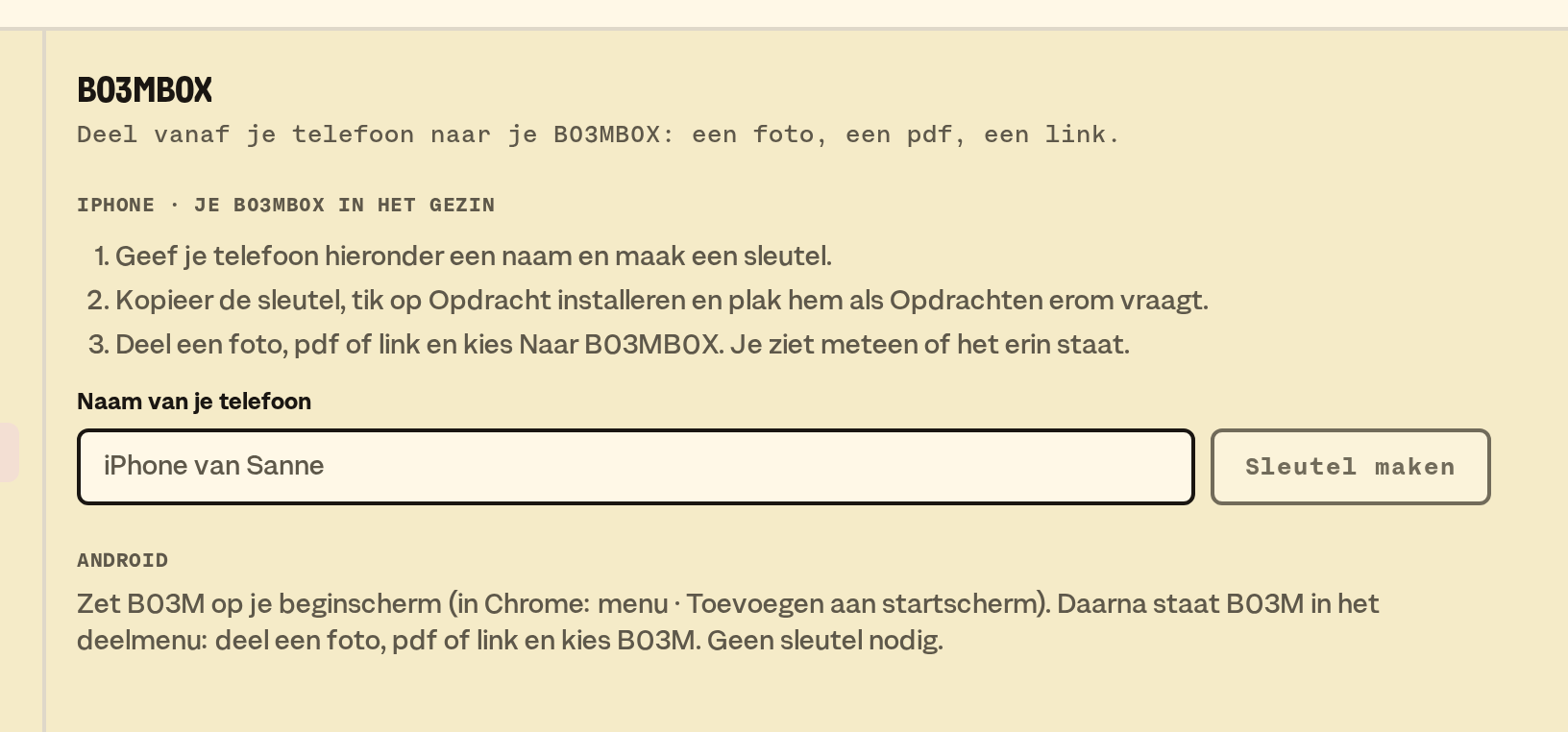
After that you share a photo, a pdf or a link and pick Naar B03MB0X. You see a notification right away that it's in.
Got an older Shortcut on your phone? It keeps working, under its own name. Install again, and you get Naar B03MB0X.
- Every phone has its own key. You revoke it under Settings · B03MB0X. The Shortcut does nothing after that.
- For W0RK there's a second Shortcut, Naar B03MB0X W0RK, with its own key. You find it under the W0RK block of the same settings.
Android
Put B03M on your home screen: in Chrome through the menu and Add to Home screen. After that B03M is in the share menu. Pick Share and then B03M: B03M opens and asks Into my B03MB0X. Have a family and W0RK? Then you pick where it goes. No key needed.
Taking a photo
In the B03MB0X panel on your phone the camera button sits next to the plus. A photo of a receipt or a school letter is in there in no time.
Someone has something for you? The answer is short: "Just send it to my B03MB0X."
Tidying up
B03M wipes nothing. What you sent on goes to the archive after 7 days. What stayed new for 30 days, too. The archive keeps the files.
Privacy
Lettermint, a Dutch company, processes the mail to your B03MB0X address in the EU. We don't keep it longer than needed. What goes where.
With your bot
Connect B03M to Claude or ChatGPT (here's how), and your bot can read what came in. It sends something on, undoes it or lets an unknown sender in, but only when you ask. A suggestion still waits for you.
What it doesn't do (yet)
- Moving something without you. It doesn't do that.
- Throwing something away. Processed is archived.
- Letting mail from an unknown sender straight through. It goes to screening first.
- Carrying out a mail. "Remind me tomorrow" in a mail is just text.
- WhatsApp. It's about mail, files, photos and links.
In W0RK: see also Messages.
B03M gaat stap voor stap open. Kies je lijst, dan nodigen we je uit zodra er plek is.
Laatst bijgewerkt op 3 november 2026.