The daily mail
One mail a day with what's waiting for you. At a time you pick, and only if you switch it on.
Voor kletskousen: Bel met de B03M-babbel-B0X!
010-8700808One mail, done
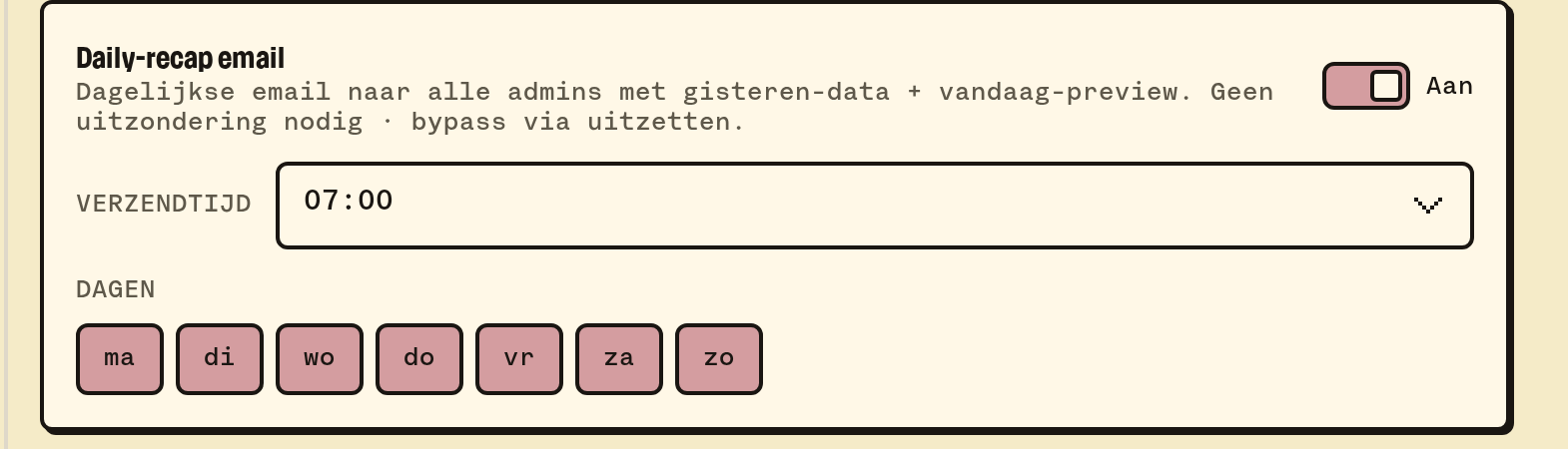
B03M can send you one mail every day. In FAM it's an overview for the family, in W0RK a count of what's waiting for you. Both are off by default.
In W0RK
- Go to Settings → W0RK → Preferences.
- Switch on the daily mail and pick a time, per quarter hour, in your own time zone.
- Pick what's in it: Messages, Rapid Reply, the knowledge base (suggestions and what needs reviewing) and your tasks on the boards.
Every member of a workspace picks their own daily mail. It only holds counts, no client names, and you get one a day at most.
In FAM
The daily summary covers today and tomorrow: the calendar, the food and the list. A parent picks the hour and the days for the whole family under Settings → Notifications; that's also where you switch it on or off for yourself.
What it doesn't do (yet)
- The W0RK daily mail holds no message content. To read, you open B03M.
- Replying to the daily mail does nothing: it's an overview, not a mailbox.
B03M gaat stap voor stap open. Kies je lijst, dan nodigen we je uit zodra er plek is.
Laatst bijgewerkt op 29 oktober 2026.