Boards
What needs doing, in columns you decide on. And one board that's only yours.
Voor kletskousen: Bel met de B03M-babbel-B0X!
010-8700808What's still left?
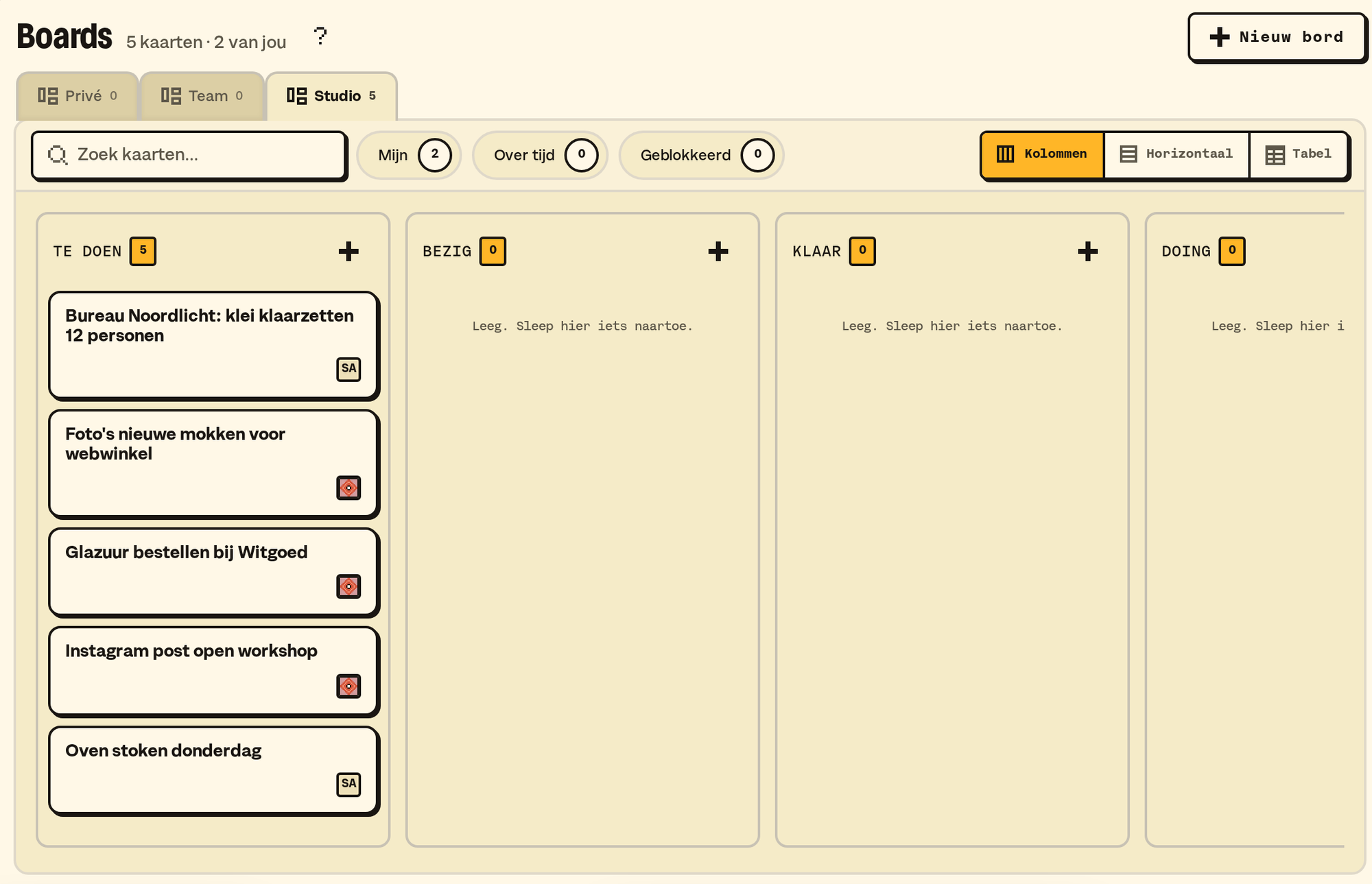
Boards are for the work itself: what needs to happen, what's in progress, what's done.
How it works
- A new board starts with the columns LATER to DONE. Rename, move or add with Add column.
- A card: the + at the top of a column. Give it a title, a description, who's doing it, and labels. Enter saves the card. Want a new line? Use Shift+Enter.
- Dragging: drag a card to another column. On your phone, press and hold to pick it up; you can also do it in the card window, with the column, Up and Down.
- Commenting: under every card.
- Filtering: with the filters at the top, or q, w and e. A counter says how many are left. You sort each column separately.
- Archiving: a card that can go, you archive. It then sits under Archive, where you restore it.
My tasks
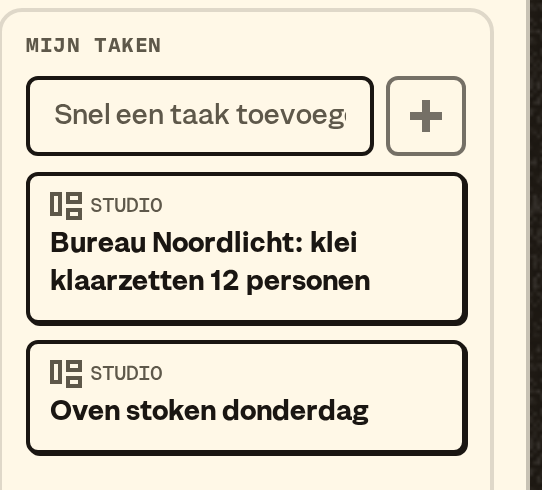
My tasks shows everything in your name, across every board, with which board it comes from.
Your own board
Everyone in a workspace has a board of their own that nobody else sees, no AI tool either. You put a task on it from My overview, on the right. More about your own board.
An icon per board
Every board can get its own icon. Whoever sets up the board picks Choose icon on the board and searches the B03M icons by name or keyword. On the Team board in W0RK that's a lead, on your own board it's you.
- Private, Shared and Groceries in FAM can get an icon too. On Shared a parent picks. Their names stay fixed.
- Pick nothing, and a board gets the Boards icon. Groceries gets the shopping cart.
- The icon shows in the Boards tabs, next to every task in My overview (W0RK) and next to Groceries in the sidebar.
- A kid sees the icon, but doesn't pick it.
From your AI tool
With SM1TH your own AI tool reads your boards, and if you switch it on it writes on them too: putting down a card, moving it, commenting on it, or picking a board's icon. The card shows which connection did it, and a tool never writes over someone's change.
From your mail
Send a mail to your B03MB0X address and drag the little card from B03MB0X onto a board. Then it's a card, and everyone who can reach that board sees it. How B03MB0X works.
What it doesn't do (yet)
- A reminder per card. The daily mail does count your tasks.
- Sharing a board with someone outside your workspace.
B03M gaat stap voor stap open. Kies je lijst, dan nodigen we je uit zodra er plek is.
Laatst bijgewerkt op 29 oktober 2026.