B03M FAM
The environment for home. Who picks up who, what are we eating, where is that photo from last summer, and how much is left in the piggy bank?

Voor kletskousen: Bel met de B03M-babbel-B0X!
010-8700808Home, in one place
FAM is for the whole family: parents, kids, and whoever else belongs, like grandpa or the babysitter. Everyone gets their own profile, everyone sees what fits them.
Who remembers everything in your house? Often it's one person: the swimming lesson, the peanut butter, the birthday in twelve days. FAM puts it in one place, so everyone sees it and nobody has to remember it for the rest.
From swimming lessons
to pocket money day
What keeps the family busy, in one place. And everyone sees what fits them.
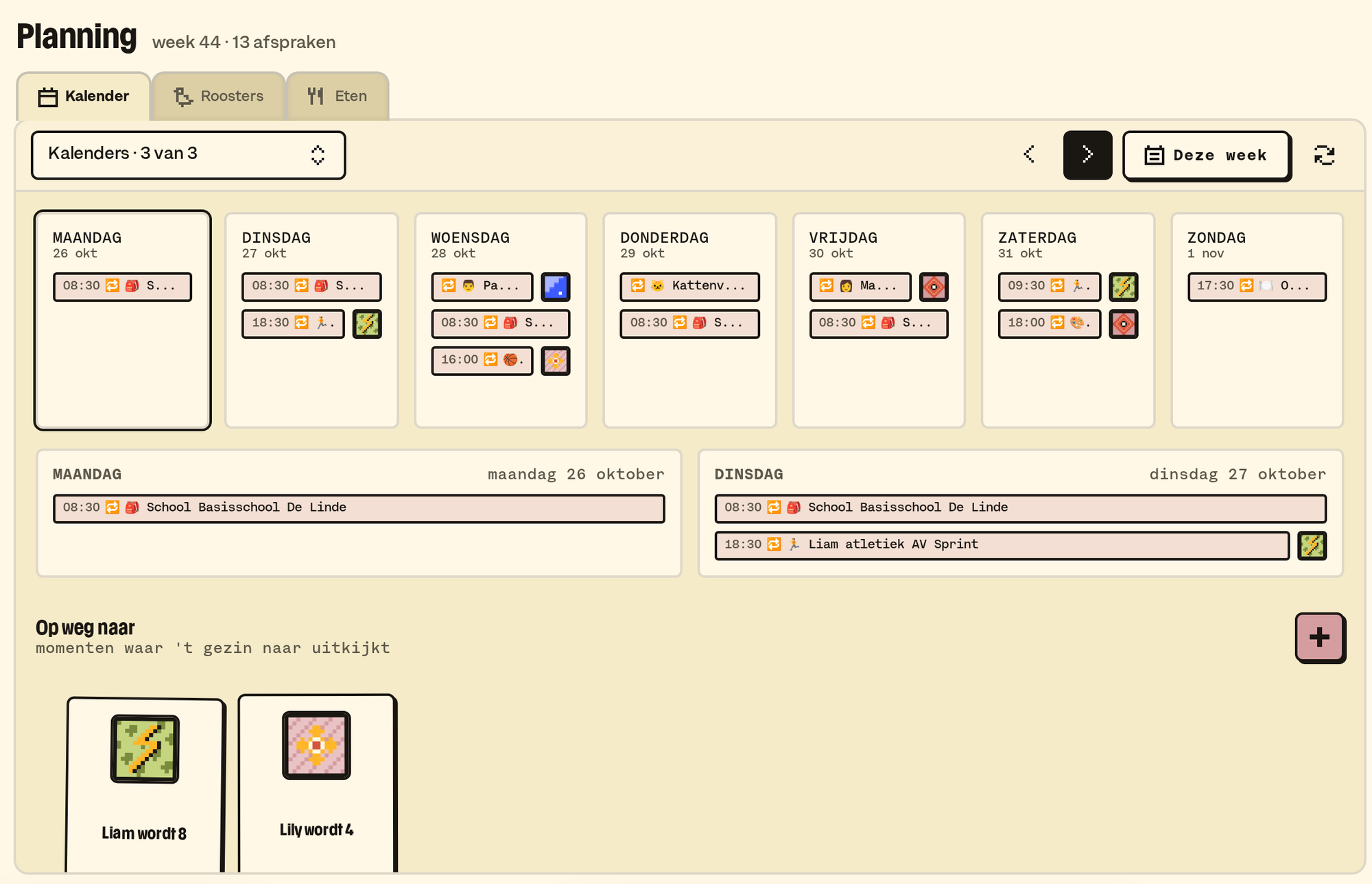
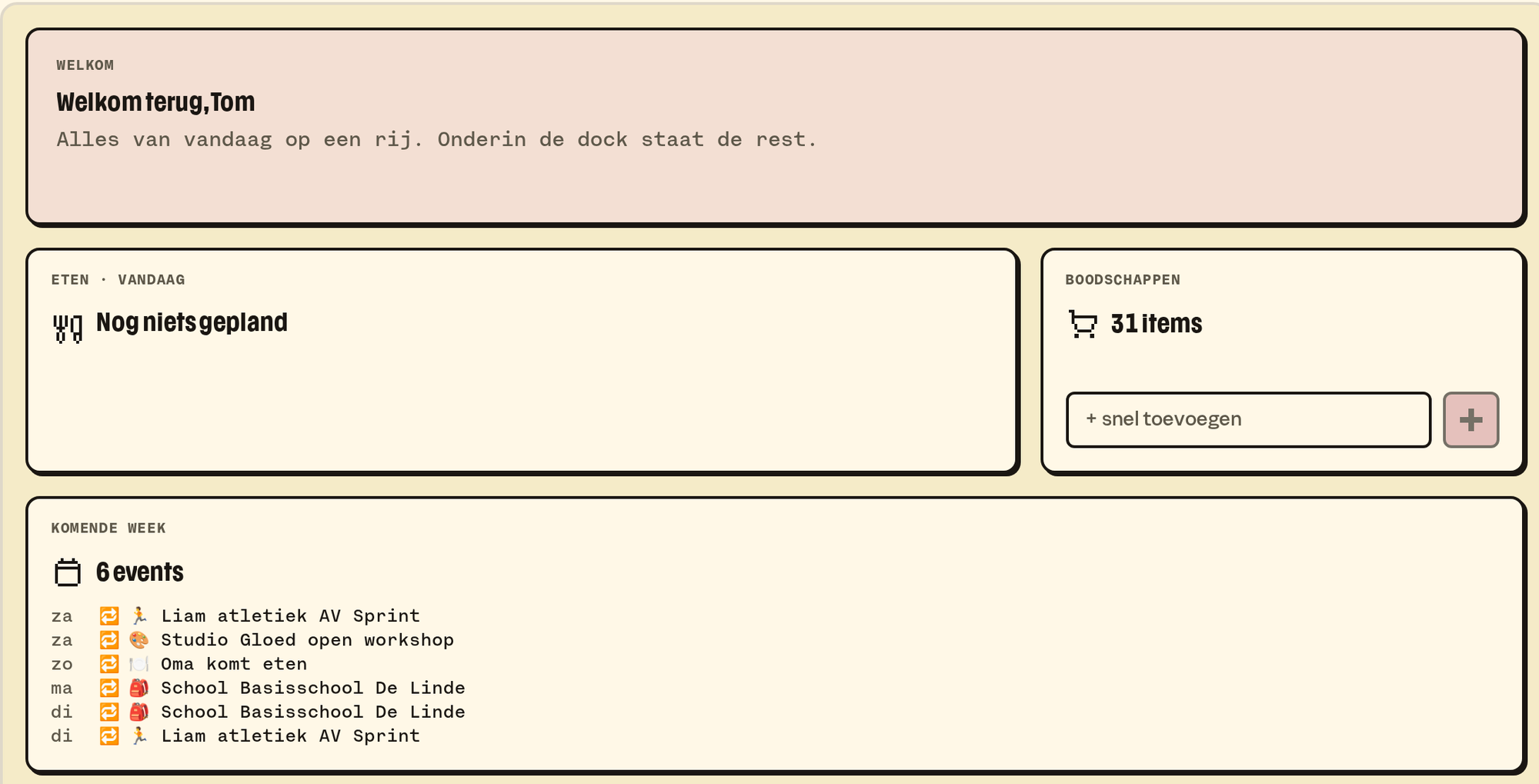
One weekly calendar for the family, with the feeds from school and work in it. Friday's study day shows up by itself.
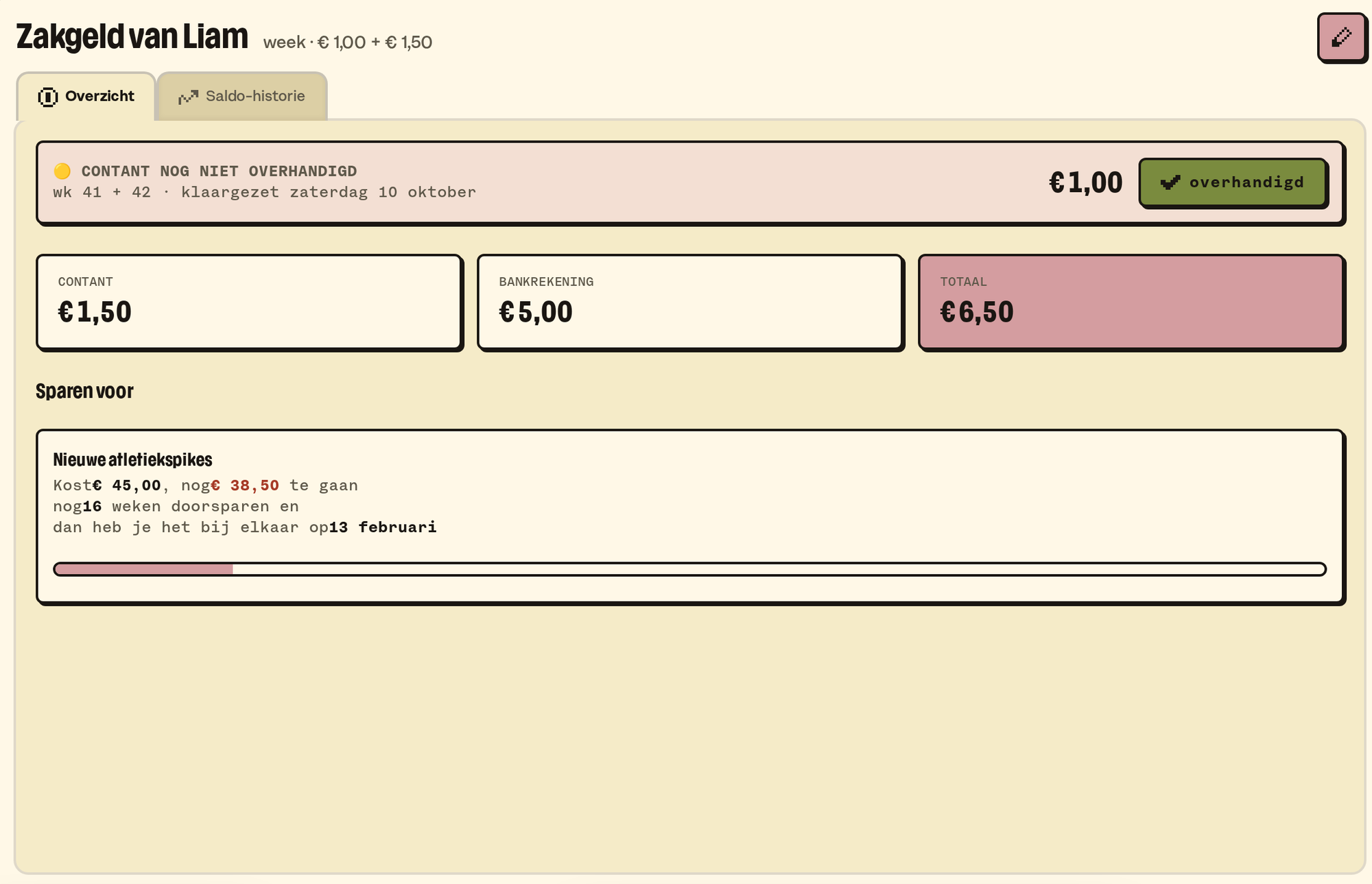
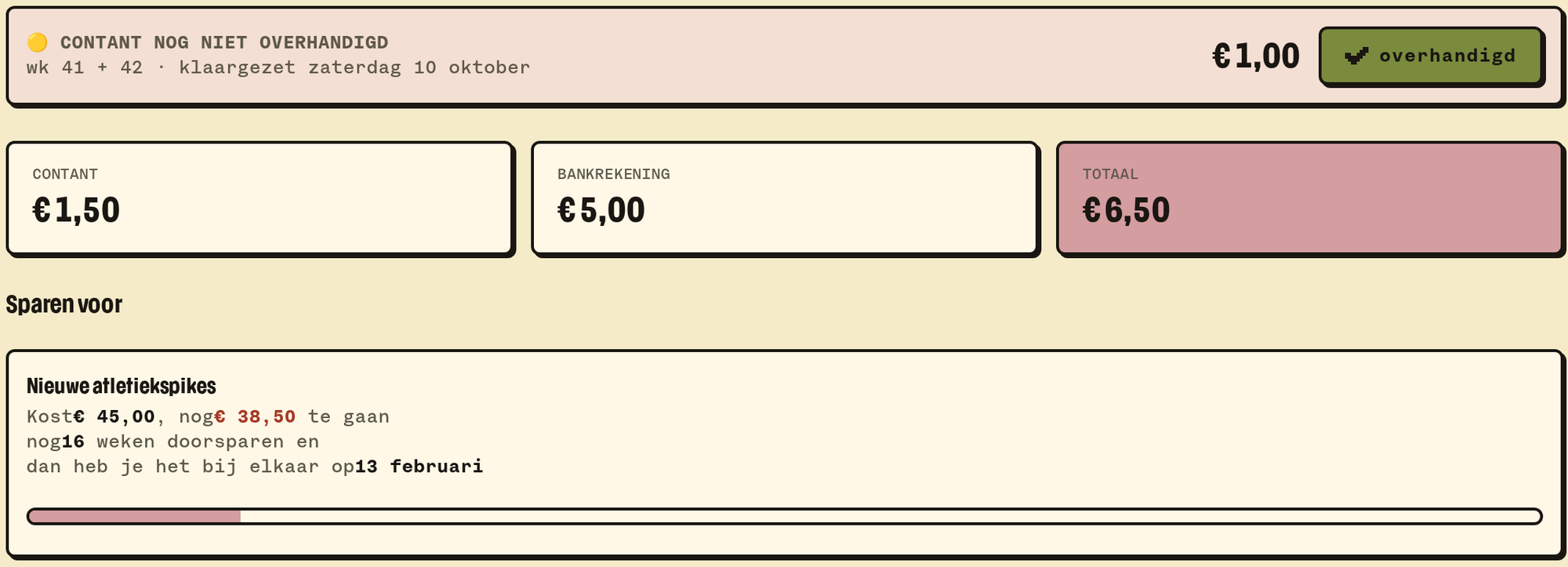
The weekly amount is ready, cash or in the bank. The child sees for themselves how far it still is to that LEGO box.
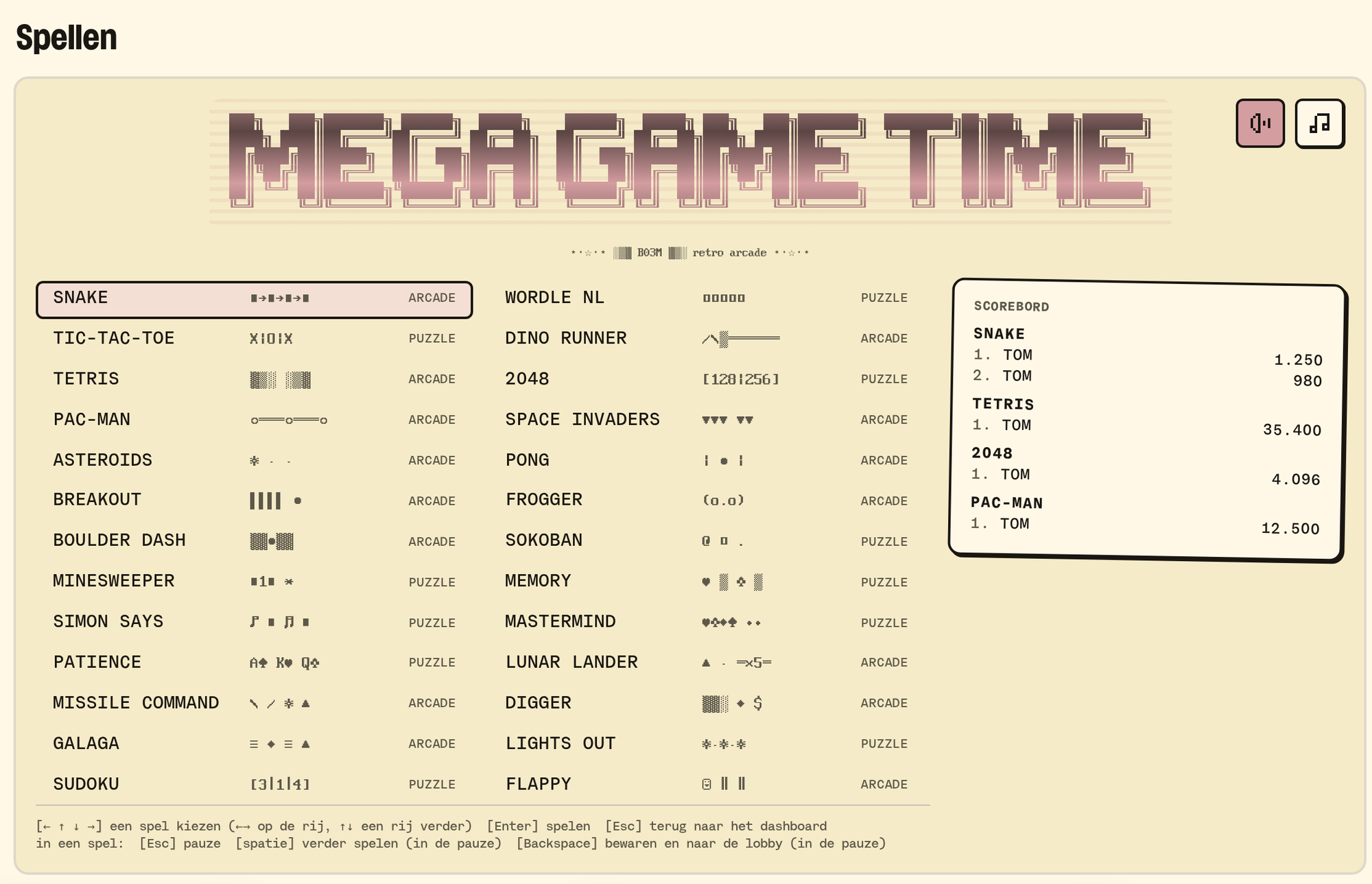
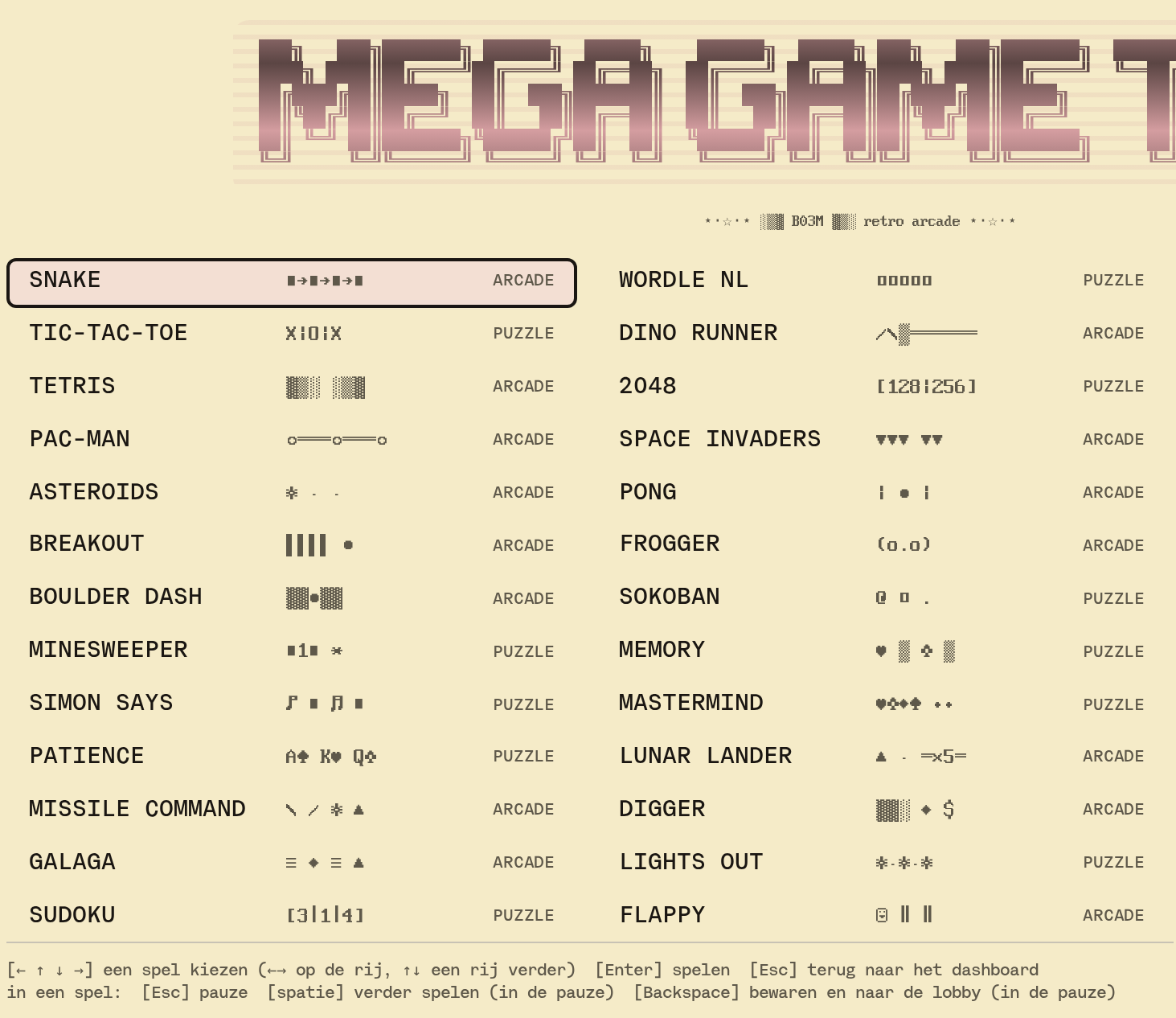
36 retro games, from Tetris to Wordle NL, with a scoreboard per family member. And a corner of their own for the little ones.
Your AI, your family
Your partner uses ChatGPT, you use Claude. You're both so used to your own tool that setting up something new together is too much hassle. So it never happens. While it's so much easier with one shared family brain that you can both reach.
With FAM you can. What you share in FAM, like the calendar, the weekly menu, the recipes and the shopping list, is your family brain. Every adult connects their own AI to it, through MCP, and it may never do more than you yourself may do in the family. So you ask Claude what's on the menu Friday, and your partner adds milk to the list from another AI. Switch AI later, and FAM simply comes along. How to connect your AI.
An ordinary Tuesday
07:10. Home shows what's on today. Swimming lesson at four, the school feed reports a study day on Friday, and there's a birthday in twelve days. It's all in the calendar, with the feeds from school and work in it.
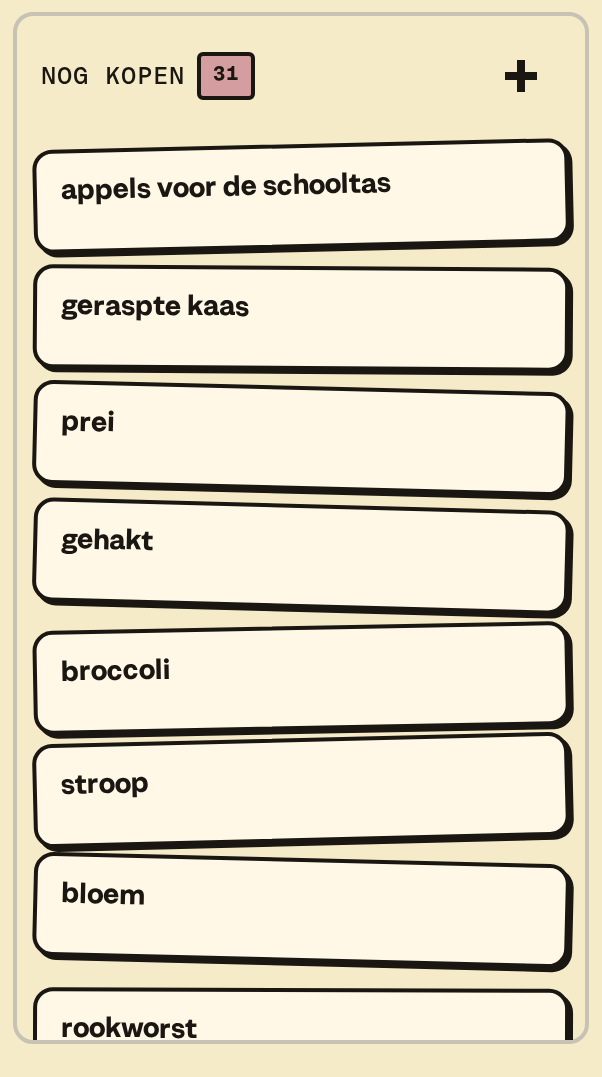
07:25. Someone sees the peanut butter is gone and puts it on the shopping list. One list for everyone, also from your phone in the supermarket.
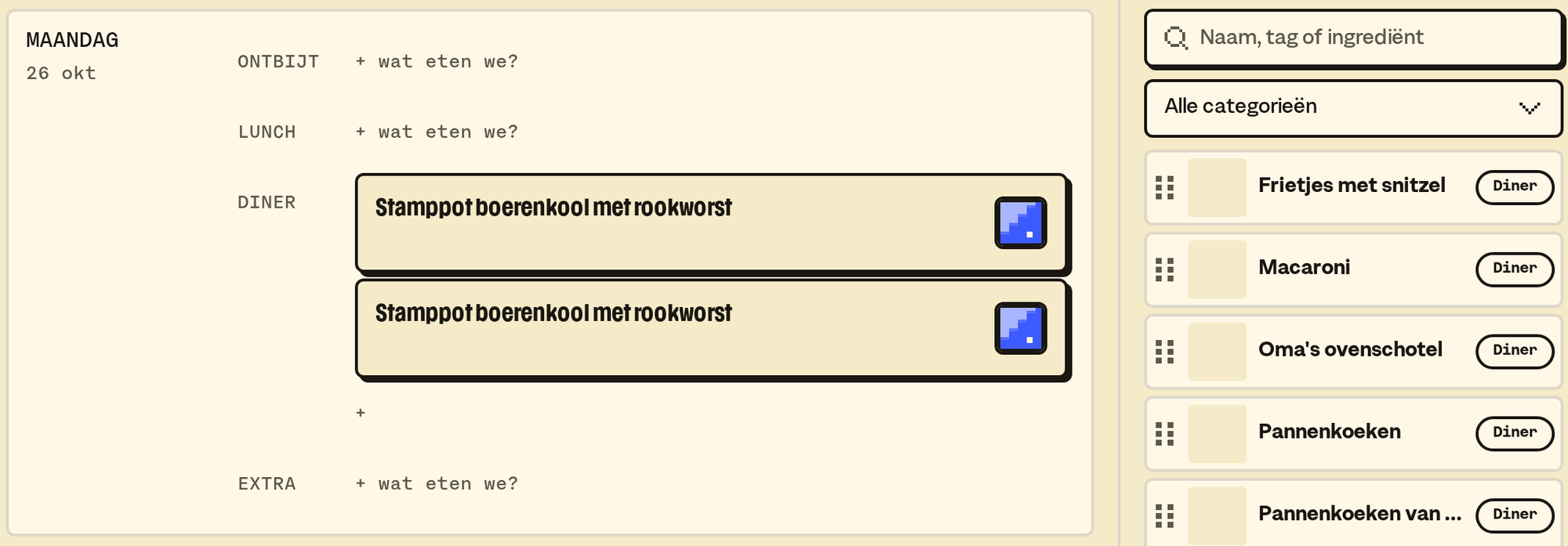
12:30. At work you plan the week. You drag the lasagne from the recipes to Wednesday in the weekly menu, add who's cooking, and set Thursday to "from the freezer". With one button, what the lasagne needs is on the list. A recipe from a website comes in with Paste & fill, even if it's in English: it arrives in Dutch and in grams.
16:45. In the car, your six year old says clouds are "sky sheep". That goes into Sayings, with his age next to it. And one day it shows up on Home as the saying of the day.
18:00. Pocket money day. The weekly amount is in Pocket money, and the child sees for themselves how far it still is to that LEGO box. Cash or in the bank, you see what still needs paying out.
19:00. After dinner, it's game time. MEGA GAME TIME has 36 retro games, from Tetris to Wordle NL, with a scoreboard per family member. For the little ones there's a corner of their own: big shapes, nothing to read, and a child lock.
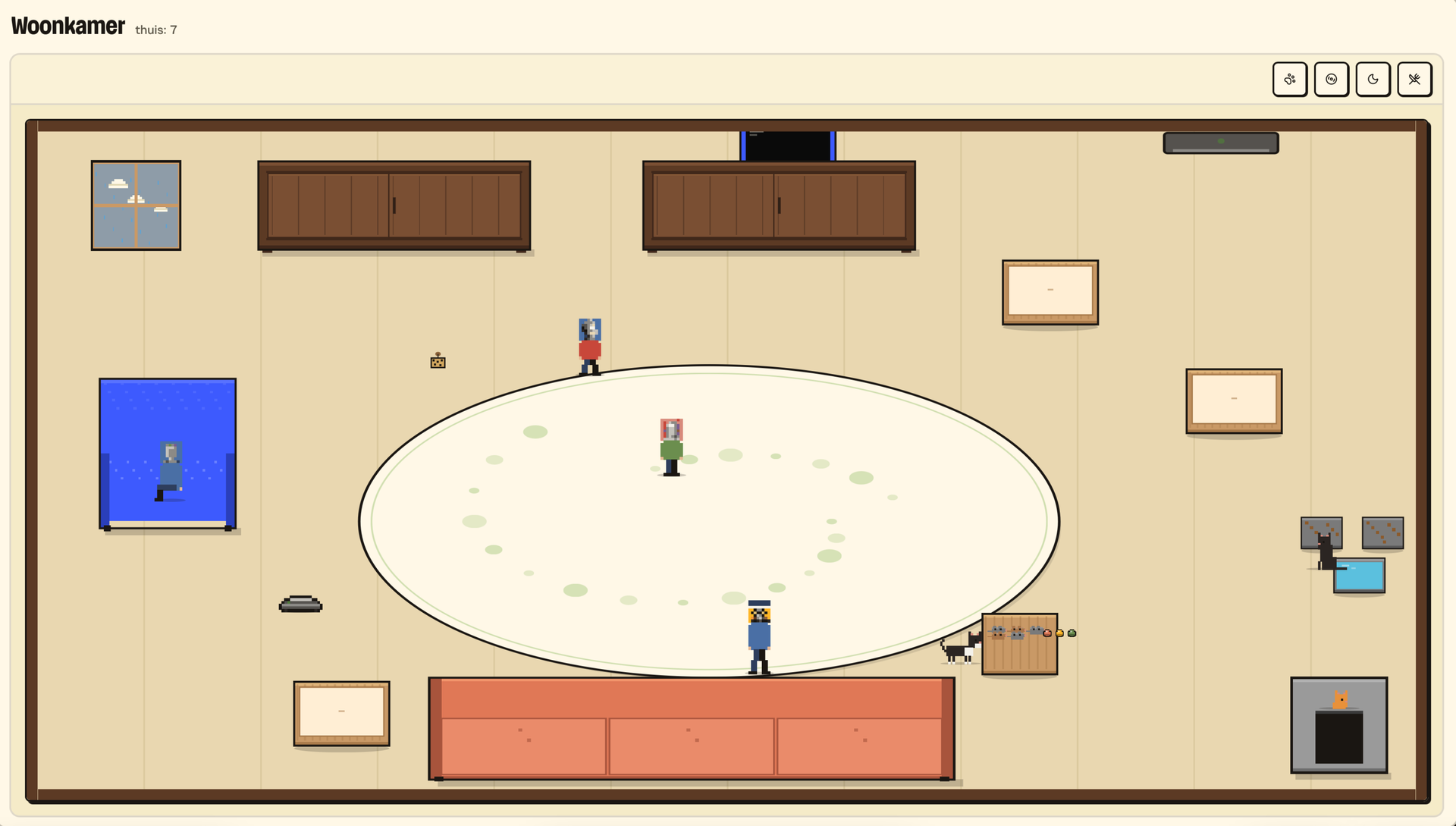
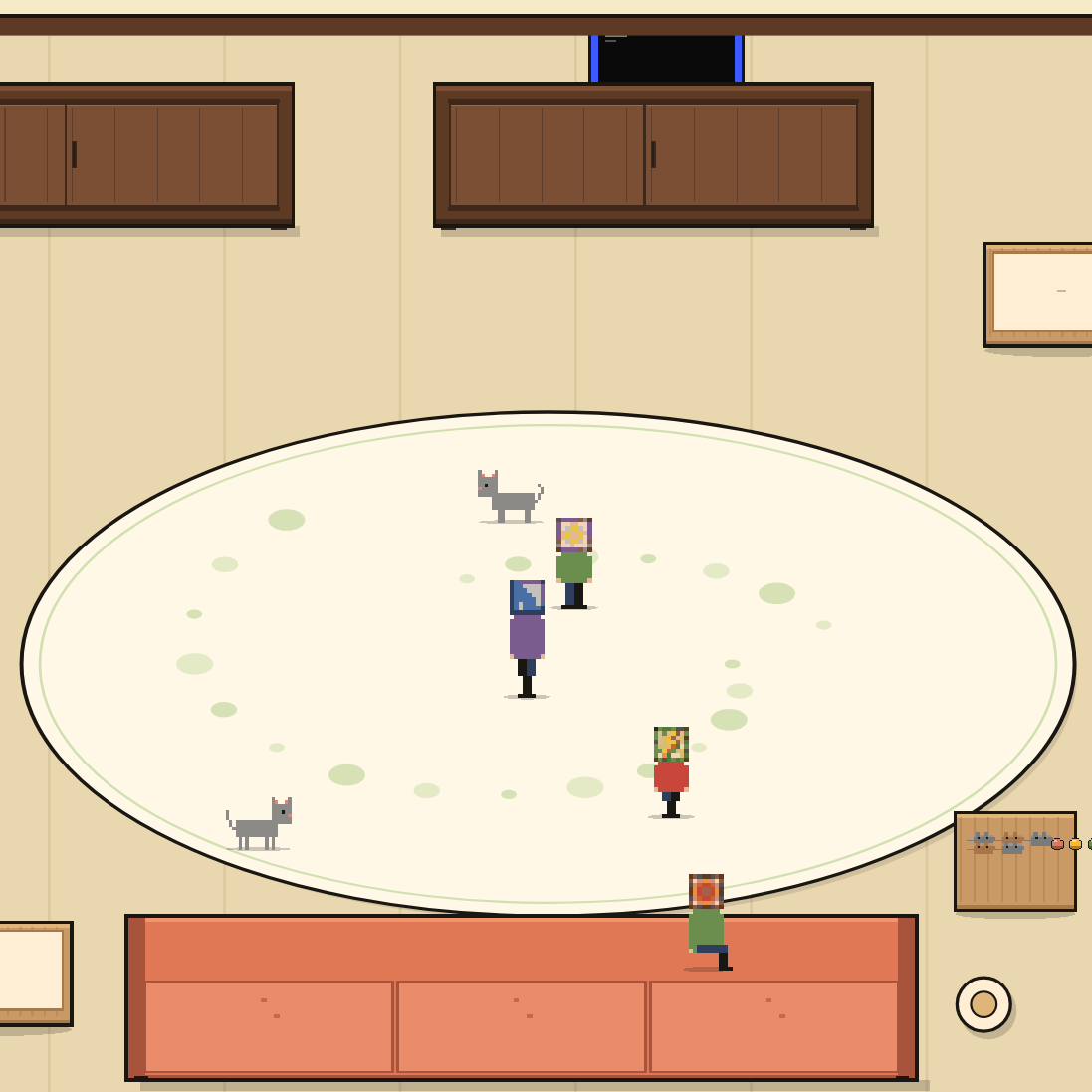
20:15. The tablet in the living room runs the living room: your own family and pets in pixels, drawn from a description you wrote. Press Nap and everyone finds their spot for a nap. The robot vacuum drives through now and then, bumps, and corrects.
21:30. The weekend photos go into the Shoebox. B03M reads by itself when and where they were taken. Tag the kids together in a photo, and it lands in the kids' box all by itself.
And in between: KletsGPT, the family chat. It knows what's on the list and what we're eating this week, and talks to an eight year old differently than to you.
The kids join in
Kids are participants here, not someone you keep an eye on. A child needs no login, email address or location of their own, and sees on their own screen what a parent opens up. Of the tasks, a child only sees the ones on boards they can see too, and if a task has their name on it, they tick it off themselves. In Pocket money they see what they have and how far it still is to their savings goal, with a picture next to it. That makes pocket money a recognition of what they contribute, and saving something you see grow. Help me do it myself, but at home.
Who can do what
In the May-I matrix you set per family member and per section whether someone can do nothing, can read or can write. What someone can't do isn't in their menu either.
Kids have a screen of their own. A parent hands over the phone with a tap, and takes it back with a PIN only parents know. KletsGPT has layers of safety for kids, and if something serious comes up, the parents get a notification.
What FAM doesn't do
- No link with a supermarket. The list is a list.
- No app in the App Store or Play Store. You put B03M on your home screen, and then it works like an app.
- KletsGPT is still in beta. We switch it on per family.
What it costs
€5 a month, or €50 a year (two months free). VAT included. The first 30 days are free, from the moment you open your invite link. Got a business too? W0RK comes with FAM. All prices.
FAM opens step by step. Join the waitlist below: we invite families in small groups, and David helps you get started himself.
More in the docs, or read the frequently asked questions first. Not sure FAM fits your family? How FAM compares to FamilyWall and Cozi.
Op de wachtlijst voor FAM
We nodigen gezinnen in kleine groepjes uit, en helpen je zelf op weg.
Laatst bijgewerkt op 1 november 2026.