The shopping list
One list for the whole family. Whoever sees the peanut butter's gone puts it on.
Voor kletskousen: Bel met de B03M-babbel-B0X!
010-8700808We're out of peanut butter
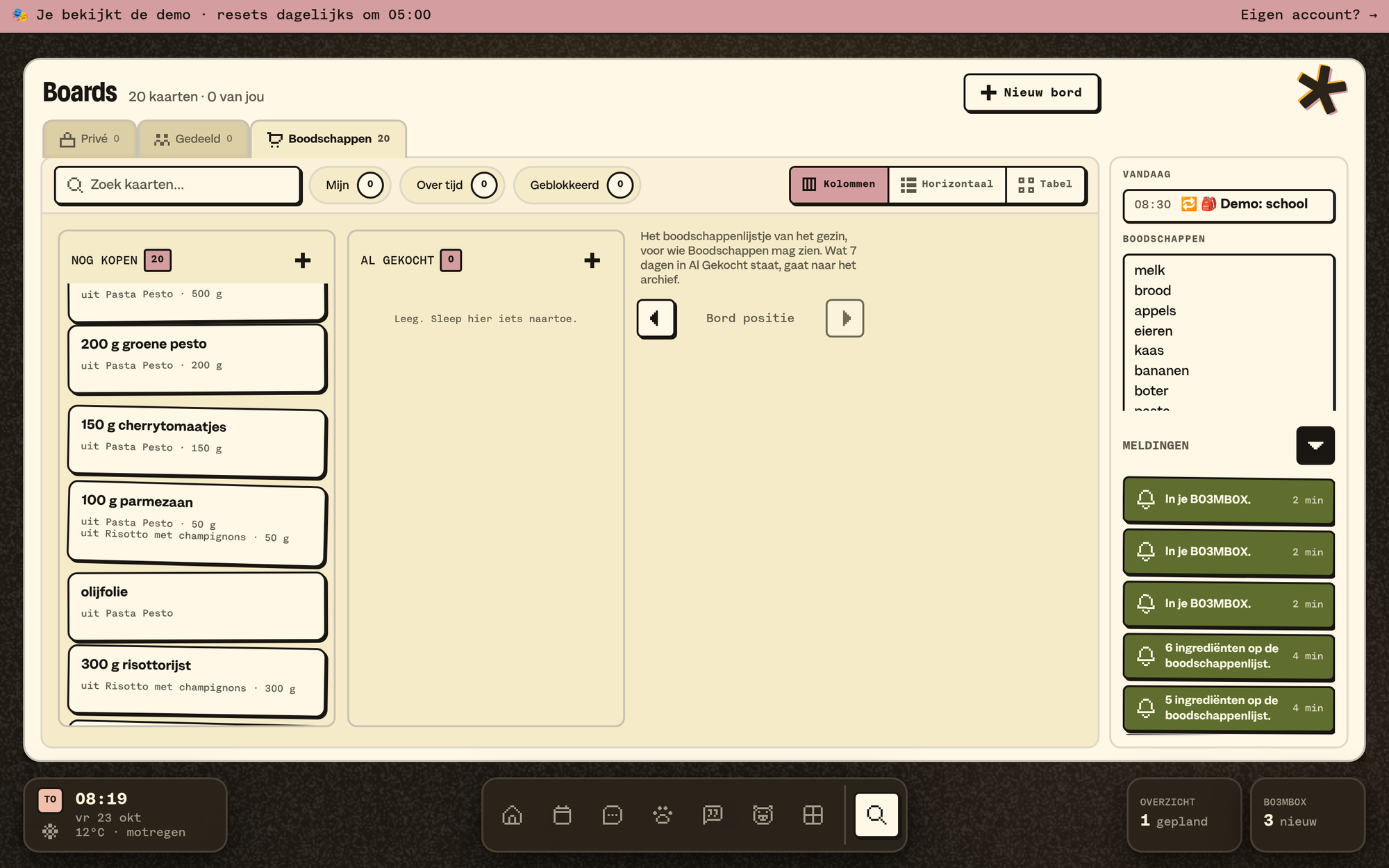
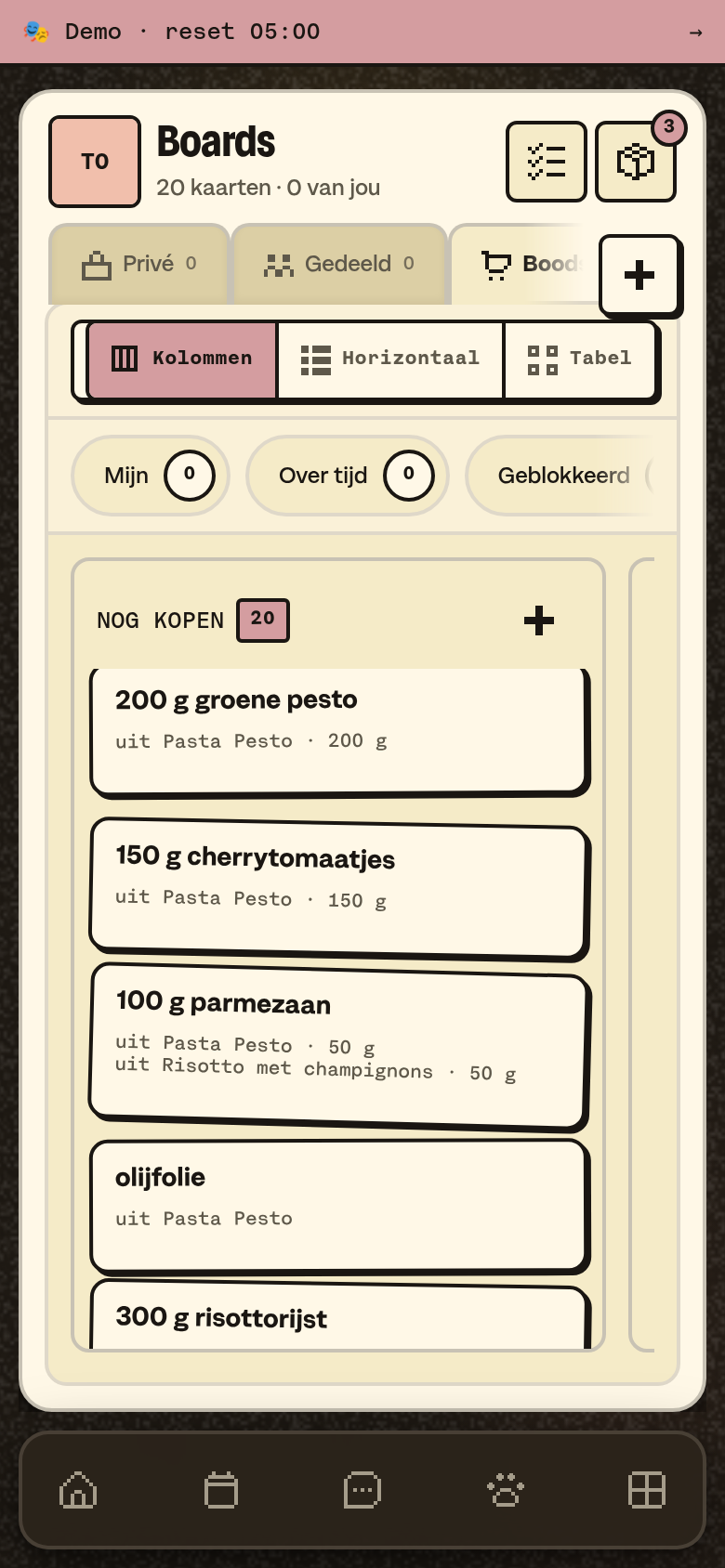
The shopping list is the Groceries board in Boards. There's one, and the whole family shares it. The same list is in the side column, in My overview.
The board
- The board has two columns: To Buy and Bought. Those are fixed.
- A card shows the amount first: "2× milk", "500 g minced meat". You change it under How much.
- Below the card it says where it came from: "from Pasta Pesto", "via KletsGPT".
How things get on it
- Yourself: with the + above To Buy, or in the Groceries widget on Home ("1 kg onions").
- From a recipe: with All to the shopping list on a recipe.
- With KletsGPT: "put milk on the list". More about KletsGPT.
- With your own AI assistant, through SM1TH.
- With a receipt: send it to B03MB0X. B03M then suggests Groceries.
Everything adds up
If the same ingredient is on there twice, say from two recipes, it's one card with the total: "200 g sugar". The card shows each recipe's part: "from Cake · 100 g".
- Grams and kilos add up, millilitres and litres too, and pieces.
- Tablespoons and teaspoons don't add up with grams. They sit next to it: "100 g + 2 tbsp".
- Take off the list on a recipe removes its part. If nothing's left of a card, it goes to the archive.
- What's already in Bought stays. So does an amount you changed yourself.
In the shop
Got something in your basket? Move the card to Bought. Drag it there; on your phone, press and hold to pick it up. What's been in Bought for a while goes to the board's archive by itself.
Who sees it
Whoever may see Groceries has the Boards tile in the dock, even if the family has Boards switched off. A kid only sees Groceries there. Who may do what, you set in the May-I matrix.
What it doesn't do (yet)
- There's no connection with a supermarket.
- Several lists (one for the market, one for the chemist): it's one board.
B03M gaat stap voor stap open. Kies je lijst, dan nodigen we je uit zodra er plek is.
Laatst bijgewerkt op 29 oktober 2026.