Settings · messages
Where a message lands. Automatic drafts, the sorting, and your senders.
Voor kletskousen: Bel met de B03M-babbel-B0X!
010-8700808Where a message lands
This is where you set how B03M sorts your messages, and how many drafts are ready by themselves.
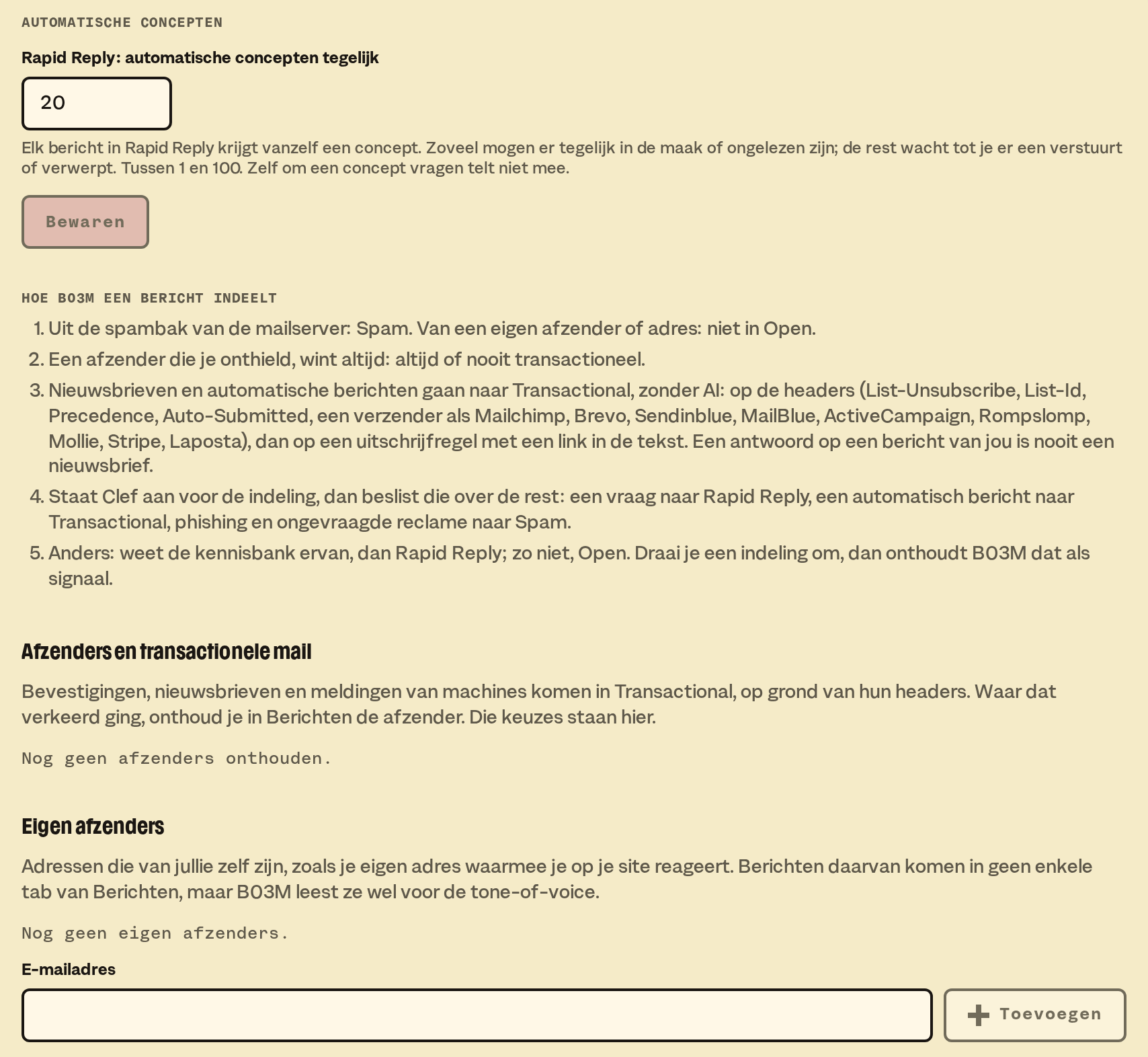
Automatic drafts
Every message in Rapid Reply gets a draft by itself. Here you pick how many may be in the making or unread at once, between 1 and 100. The rest waits until you send or discard one.
Asking for a draft yourself doesn't count. The owner changes the number, with Save.
How B03M sorts a message
B03M runs through a fixed order:
- Mail from the mail server's spam folder goes to Spam. Mail from one of your own senders doesn't go into Open.
- A sender you remembered always wins.
- Newsletters and automatic messages go to Transactional. That's based on the headers, without AI.
- If Clef is on for sorting, it decides the rest.
- Otherwise: if the knowledge base knows about it, Rapid Reply. If not, Open.
Flip a sorting, and B03M remembers it for next time.
Senders and transactional mail
If the sorting went wrong, remember the sender in Messages: always or never transactional. Those choices are listed here. Forget undoes one.
Your own senders
Your own addresses, like the address you use to reply on your site. Fill in the email address and pick Add.
Messages from them don't go into any tab of Messages. B03M does read them for your voice.
Other W0RK settings: Workspace, Knowledge base, Connections, Calendar, Preferences, Subscription.
B03M gaat stap voor stap open. Kies je lijst, dan nodigen we je uit zodra er plek is.
Laatst bijgewerkt op 29 oktober 2026.