Settings · workspace
Who this workspace is. The number plate, the time, and everything in one archive.
Voor kletskousen: Bel met de B03M-babbel-B0X!
010-8700808Who your workspace is
This is who this workspace is: the logo, the number plate, the time, and everything in one archive.
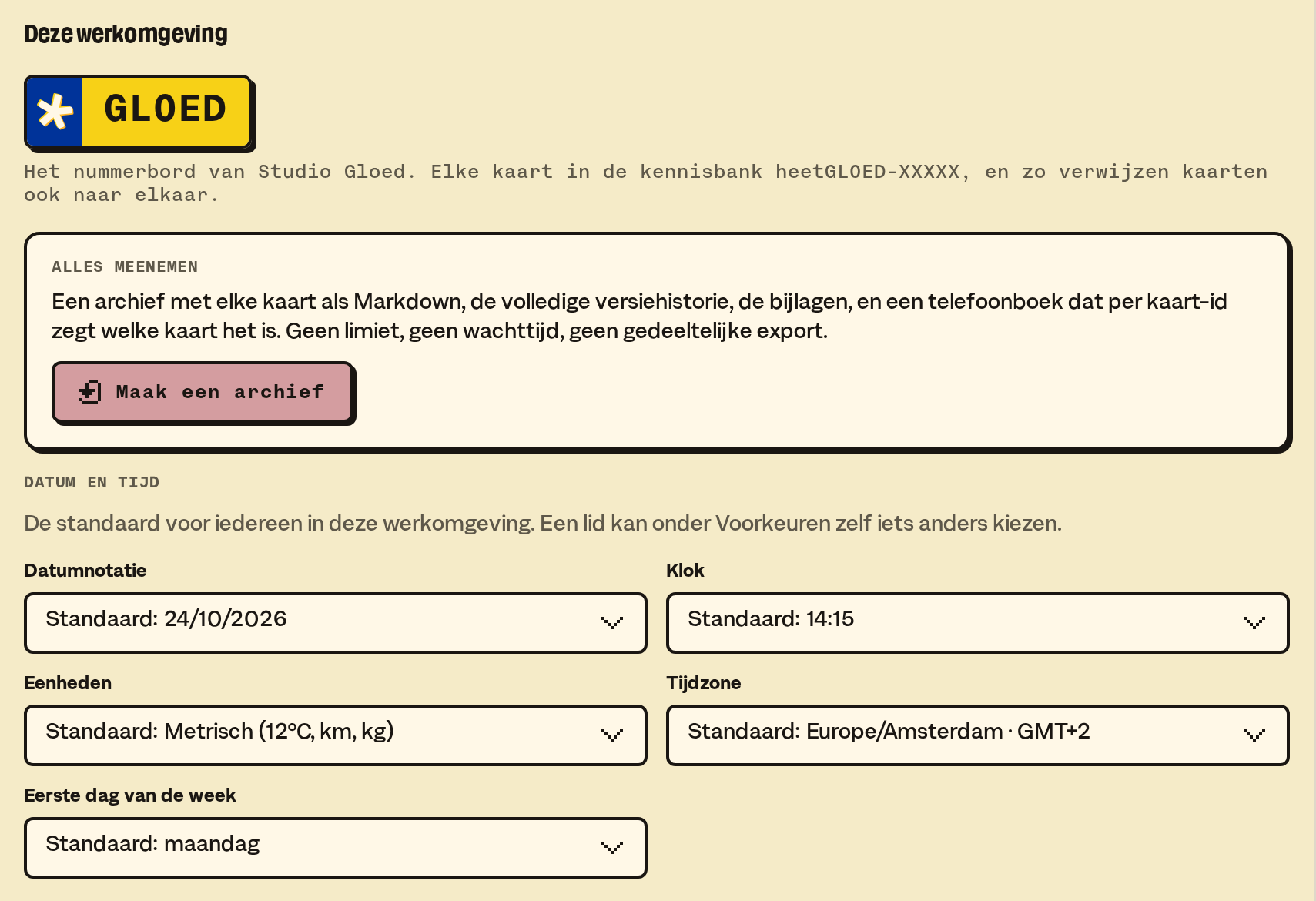
The logo
Choose logo sets the logo of your workspace. It can be a PNG, JPEG, GIF or WebP, up to 1 MB. A PNG keeps a transparent background.

- The logo sits top right on every W0RK page, on a tablet and on a computer. Not on your phone.
- Only the owner picks the logo.
- The logo isn't in mails to clients. An answer goes out as plain text.
The number plate
The number plate is the name of your workspace. Every card in the knowledge base starts with it.
The time
The time zone and the time format apply to everyone in this workspace.
Make an archive
Make an archive takes the knowledge base along, with cards, versions, attachments and references, to read in elsewhere. You restore under Settings · knowledge base.
Other W0RK settings: Knowledge base, Connections, Messages, Calendar, Preferences, Subscription.
B03M gaat stap voor stap open. Kies je lijst, dan nodigen we je uit zodra er plek is.
Laatst bijgewerkt op 29 oktober 2026.