Your account
Password, two step verification, your language and your own formats, light or dark. All under Settings → Personal.
Voor kletskousen: Bel met de B03M-babbel-B0X!
010-8700808All yours
There's one settings screen for FAM and W0RK together. It opens where you are and never switches environment. What's yours is under Personal.
How to set it up
- Profile: your name, your photo and your favourite colour. Your colour not there? Type a colour code of your own. You set your photo here yourself, even if you have no family and are only in a workspace.
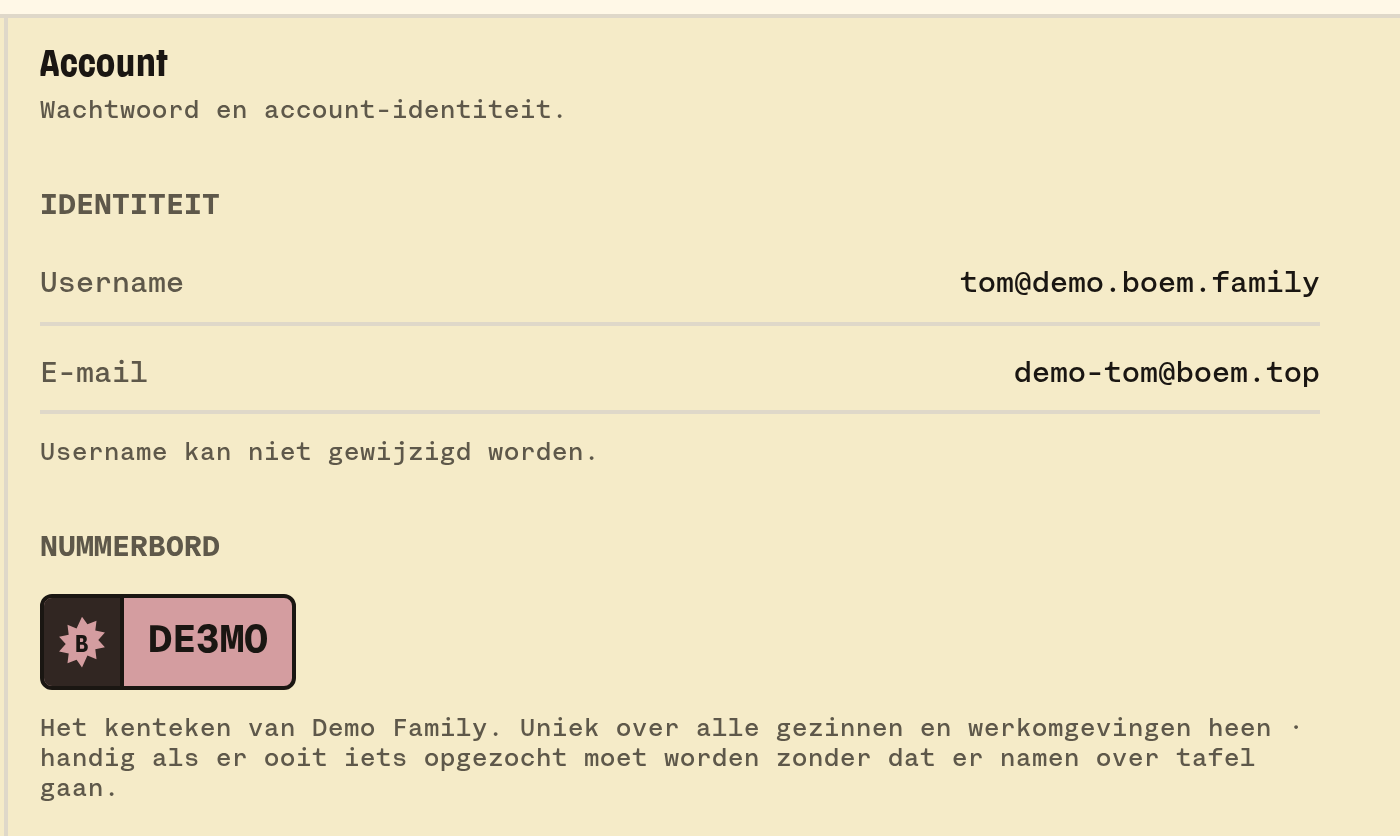
- Account: changing your password. B03M asks for your current password for that. If you came in with a login link, it can do without for fifteen minutes. Your sessions and login history are here too.
- Privacy and security: switch on two step verification. Scan the QR code with an app like 1Password, Google Authenticator or Authy, and fill in the code. From then on B03M asks for that code after your password when you log in.
- Preferences: your language (Dutch or English), and your own formats: dd/mm/yyyy or mm/dd/yyyy, 12 or 24 hours, metric or imperial, your time zone and the first day of the week. What you don't pick follows your family or your workspace.
- Light or dark: in the menu under your avatar, or with ⌘D. ⇧⌘D follows your system again.
Forgot your password?
Ask for a login link on the login screen. It comes by mail, and works once.
💡
Tip. Under Preferences you can have cards lie "a bit crooked", like a pile on a table. Each card always lies the same way.
What it doesn't do (yet)
- Changing your username.
- Downloading your data or deleting your account doesn't have a button yet. Mail yo@boem.top and we'll sort it. More about your data.
Op de wachtlijst
B03M gaat stap voor stap open. Kies je lijst, dan nodigen we je uit zodra er plek is.
Laatst bijgewerkt op 30 oktober 2026.